Accounting firm buyer’s guide · Meeting capture and client records
Best AI Meeting Assistants for Accounting Firms (2026)
Susan is our first pick for managed work from an agreed meeting source, with fixed monthly pricing and setup, monitoring and fixes included. Choose Canopy for native client-record filing, Fireflies for searchable conversation automation, Fathom for bot/no-bot capture with synced notes, or Otter for live transcription. Buy against the retained client record and colleague permissions, not the summary alone.
Book a walkthroughOur first pick
Why Susan is the best choice for most firms
Most AI products hand you software and a meter. Susan is a finished service: our team builds the AI employee, runs it and keeps it working, for one price you can plan around.
- One fixed monthly price. You agree the price once and it does not move with volume. Model usage, hosting, monitoring and fixes are included. Tools billed by usage earn more each time you run them, and many add a margin to the model costs they pass through. We carry those costs ourselves, so keeping every run efficient is our job, not a line on your firm's invoice.
- Done for you, not do-it-yourself. There is nothing for your firm to configure, prompt or maintain. Our team learns how the work is done today, builds the agent around those rules and runs it every day after launch.
- Support and fixes are part of the fee. When a portal changes, a login expires or a new exception appears, our team fixes it. That work is included, not billed as extra hours or left to your staff.
- Security from the first day. Each agent works on its own dedicated, hardened computer. App passwords stay in a protected layer the agent never sees, people approve anything that reaches a client or changes the books, and every action is logged.
- Your own cloud and model for larger teams. Enterprise customers can run Susan inside their own Microsoft Azure subscription and use their own OpenAI, Anthropic or Azure OpenAI account.
- Keeps the software you already use. Susan works through direct app connections and uses its own screen for portals without one, so there is no new platform to move to.
| Question | Susan | Typical AI tool |
|---|---|---|
| How you pay | One fixed monthly price, usage included | Per seat, per client or per unit of usage |
| Who sets it up | Our team, around your process | Your staff, inside the vendor's product |
| Who fixes it when something changes | Our team, included in the fee | Your staff, or paid support |
| Where it runs | Its own computer, or your Azure subscription | The vendor's shared platform |
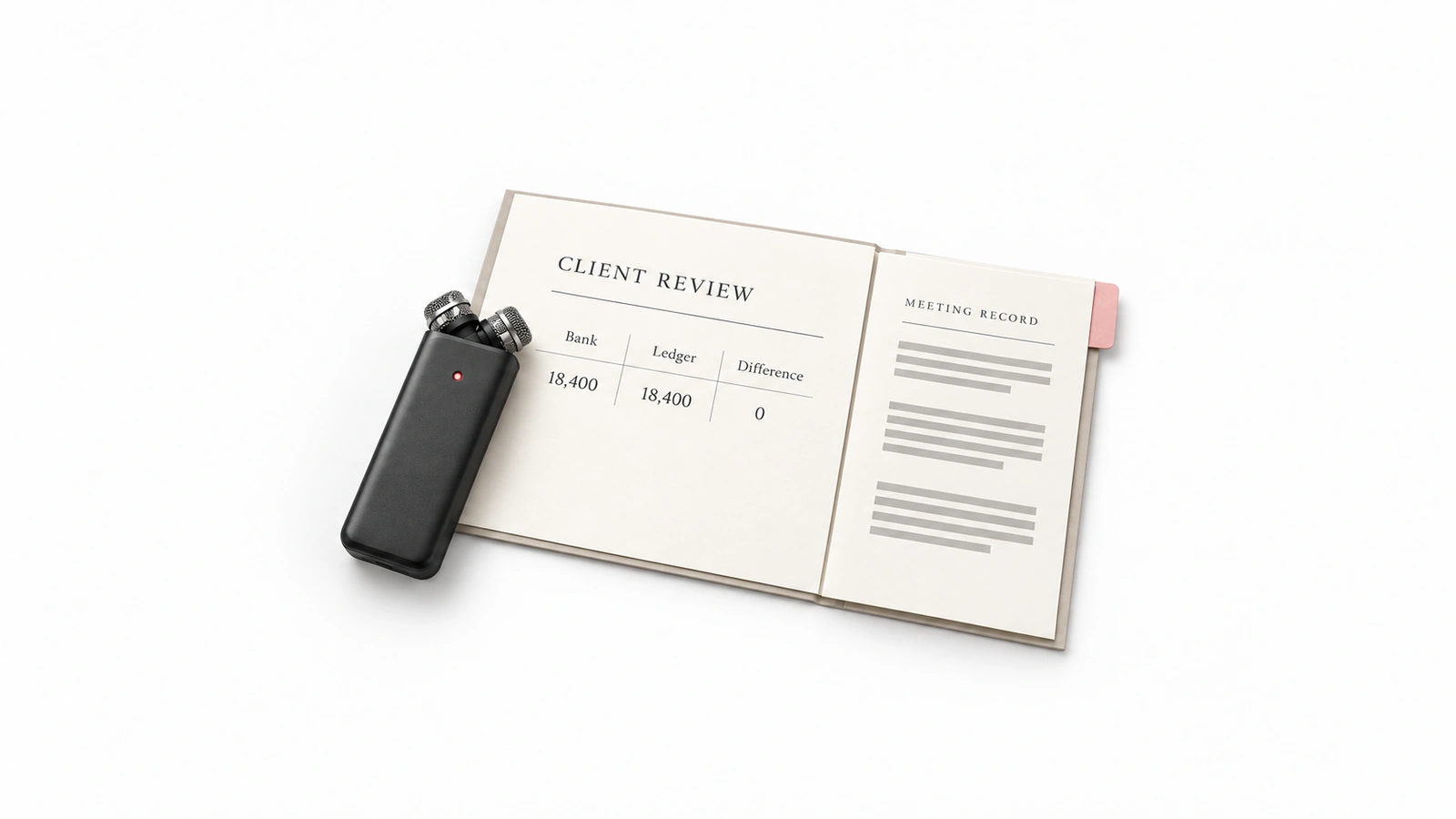
Choose where the meeting record will live
For a managing partner or operations leader at a US or Canadian accounting, tax, bookkeeping or CAS firm, a useful meeting assistant must do more than produce fluent notes. Staff need to find the right client’s discussion later, understand corrections and know which colleagues can access it. A personal recording library and a permissioned firm record are different purchases.
This guide compares published capabilities checked November 1, 2026, with our judgment about fit. We use the same criteria for each option: capture method, transcript retrieval, client-record destination, sharing, action scope, operating owner and account restrictions. The demonstration below is a proposed buying checklist, not a set of performance results.
Keep this decision separate from shared client email and staff handoff software, bookkeeping and accounting-agent platforms, and client financial reporting tools. You do not need to replace the ledger to retain a better record of a client call.
Five options for meeting capture and retained client records
| Option and source | Best for | Capture | Retrieval | Client record and permissions | Action scope | Operating owner | Account checks |
|---|---|---|---|---|---|---|---|
| 1. SusanPrimary source | Our first pick for managed work from an agreed meeting source | Agreed transcript or meeting record supplied through a supported route; native recording is not assumed | Scope the permitted source, retrieval and retained destination | Client mapping and destination permissions must be agreed and demonstrated | Only the supported, approved actions in the managed scope | Fixed Labs implements, monitors and fixes agreed work; firm retains approvals | Scoped setup, access and source availability; not a standalone recorder |
| 2. Canopy NotetakerPrimary source | Native meeting records for a firm already using Canopy | Calendar-linked meeting bot; mobile for in-person and phone conversations | Searchable transcripts and accounting-aware summaries | Invite-email client matching; existing client-record permissions | Extracted actions ready for practitioner; Coworker enables further automation | Firm administers Canopy, reviews client matching and manages exceptions | Confirm account enablement and Coworker entitlement separately |
| 3. FirefliesPrimary source | Searchable conversations with configured cross-tool automation | Meeting bot, desktop, mobile and uploaded audio/video | Meeting search, summaries, topic tracking and conversation insights | Workspace/group sharing and configured integrations; verify client access at destination | AI Skills, follow-up drafts, CRM updates and task integrations | Firm owns workspace rules, integration mapping and recurring exception handling | AI Skills and advanced capabilities depend on plan and configuration |
| 4. FathomPrimary source | Bot or no-bot capture with synced meeting notes | Advertises bot and no-bot capture; verify device and platform support | Searchable transcripts, summaries and Ask Fathom across conversations | Notes/action items sync to supported tools; verify actual client record and permissions | Automatic notes, action-item sync and supported follow-ups | Firm configures team sharing and destinations, then checks saved results | Confirm capture mode, team features and integration entitlement |
| 5. OtterPrimary source | Live transcription during client discussions | Meeting agent; bot-free desktop/Chrome; mobile capture | Live transcript, speaker recognition, summaries and searchable meeting knowledge | Channels and connected tools; verify client-specific access rather than assuming inheritance | Assigned action items, pre-call briefs and CRM/integration updates | Firm owns meeting policies, workspace access and destination configuration | Confirm language, minutes, conversation limits and enabled integrations |
1. Susan: managed operation from an agreed meeting source
Susan is our managed AI employee service, provided by Fixed Labs. It is the first option to evaluate when the firm wants an agreed recurring responsibility implemented, monitored and maintained across applications. The distinction is operating responsibility: recording tools capture a conversation; Susan’s team implements and maintains the agreed recurring work around its approved record.
For a meeting-derived assignment, agree the input first. One evaluation route is to supply an approved transcript export in an authorized document location, then ask Susan to retrieve the specified passage and prepare a client-record note for review in a supported destination. Demonstrate that exact source-to-destination route before agreeing the scope. Missing transcripts, ambiguous client matches and denied access should remain visible exceptions; do not infer a native recorder or a working Canopy connection from this example.
One fixed monthly price covers the agreed workflows, including model usage, hosting, monitoring, support and fixes, so the bill does not rise with use. Each agent has its own hardened computer, protected app credentials, approvals and an action log. Enterprise customers can run Susan in their own Azure subscription with their own model account; that arrangement has separate provider billing and terms.
Trade-off: your firm must provide rules, approved access, a reviewer and a clear definition of the record to retain. Professional conclusions and consequential steps remain approval-gated. See Susan’s managed accounting-firm service for the operating model; establish the actual meeting-source support rather than buying on a generic integration promise.
2. Canopy Notetaker: native accounting client records
Canopy Notetaker is the strongest native-fit candidate here for a firm already retaining client work in Canopy. Its page describes a calendar-linked bot that records and transcribes calls, then links the meeting record to the client using invite email addresses. It also describes mobile recording for in-person or phone conversations.
The decisive distinction is the destination: transcripts and accounting-aware summaries sit with the client record and use Canopy’s existing permissions. That is more specific than an integration logo. Ask to see a real sample invitation match, the saved client record and access from a second staff account. Shared email addresses, multiple engagements and external guests are useful exceptions to bring to the demonstration.
Action boundary: the same page’s FAQ says extracted actions appear ready for the practitioner to act on; automating tasks, document collection and emails requires Coworker enabled. Do not treat broad task-creation marketing as unconditional execution. Confirm Notetaker enablement, Coworker scope, recording settings and the person responsible for correcting a misfiled meeting.
3. Fireflies: searchable conversations and cross-tool automation
Fireflies fits a firm that wants a searchable conversation layer across meeting sources and configured tools. Its current page describes meeting capture, desktop and mobile apps, uploaded audio/video, transcripts, summaries, topic tracking and search. Meeting groups and sharing deserve the same attention as the quality of the recap.
It also describes AI Skills, follow-up drafts, CRM updates and automatic project-management tasks. Fireflies is not merely a notetaker, and Susan does not have a monopoly on follow-through. The purchase question is which configured action reaches your client’s record, with what evidence and under whose ongoing responsibility.
Verify before buying: show the actual client destination and permissions, not just an available CRM connection. Confirm plan access to AI Skills and advanced functions, workspace rules and the owner of failed integrations. A searchable firm-wide library can be useful, but broad search must not expose unrelated client discussions to everyone by default.
4. Fathom: bot or no-bot capture with synced notes
Fathom’s meeting assistant advertises bot and no-bot capture, searchable transcripts, summaries and Ask Fathom across past conversations. Its notes, insights and action items can sync to supported tools including Slack, Salesforce, HubSpot, Notion and Asana. This is the meeting product at fathom.video, not the similarly named financial reporting product.
Best fit: the firm wants capture flexibility and meeting notes that move into tools staff already use. Have the supplier show the chosen capture mode on your actual device and meeting platform. Then open the saved note in the destination, with the client reference and sharing controls you need.
Limit: automatic sync does not establish native accounting-client permission inheritance. Check team features, plan entitlement, export behavior and what happens when a saved transcript is corrected. No-bot capture changes the experience; it does not remove the firm’s recording notice, consent or confidentiality responsibilities.
5. Otter: live transcription during the client discussion
Otter is worth evaluating when staff need to read the conversation as it happens. Its product page describes live transcription with speaker recognition, meeting agents for Zoom, Microsoft Teams and Google Meet, bot-free desktop capture, Chrome and mobile options. Afterward, the record becomes searchable meeting knowledge.
Otter also describes pre-call briefs, assigned action items, CRM updates and other integrations. Live transcription is our best-for distinction, not a claim that it stops at recording or that competitors cannot provide live assistance. Ask staff to find a corrected deadline and the relevant speaker passage, both during and after the sample call.
Verify before buying: account language support, minutes and conversation limits, admin features and enabled integrations. Channels organized by team or project are not automatically the same as client-record permissions in your practice system. Show who can see the transcript, summary, shared link and exported document separately.
Run one meeting demonstration before choosing
Use one sample client review call, one approved capture method and one destination client file. Include a spoken correction: the client proposes a deadline, then changes it later in the same call. The goal is a retrievable, correctly filed meeting record with controlled access—not an inbox-to-task exercise.
Ask each supplier to show the portion it supports and identify the remaining manual or configured steps. For a managed service, begin with the agreed source transcript rather than assuming the service records the call. Record failures and unknowns as well as successful steps.
| Check | Give or request | Evidence to retain |
|---|---|---|
| Invitation and client match | Invite one sample client contact; include a contact whose email appears on more than one client record. | Show the selected client record and the exception for an ambiguous match. No silent filing to the first name match. |
| Permitted capture | Use the firm's usual host, device and call platform; apply the agreed notice and consent procedure. | Show the real bot, desktop or mobile capture path. If recording is not permitted, stop or use an approved alternative input. |
| Usable transcript | Say a sample client name, accounting period and proposed deadline, then correct the deadline during the call. | Retrieve both passages with source references; the summary reflects the correction, not the first date alone. |
| Client-record destination | Open the saved meeting from the client file, not just the presenter's personal meeting library. | Retain the meeting reference, client mapping and transcript/summary location. Identify any manual filing or configured integration. |
| Colleague permissions | Try an authorized engagement colleague, an unrelated colleague and a forwarded sharing link. | The authorized colleague can retrieve the record; unrelated access is denied. Show link settings and access to each exported copy separately. |
| Correction after filing | Correct a speaker label or deadline after the meeting summary has been saved or exported. | Locate the affected summary and copies, record the correction and show which copies update automatically and which need an owner. |
| Retention, export and deletion | Export the transcript, revoke one colleague's access and request deletion under the agreed policy. | Show export entitlement, effective revocation, retained copies and any deletion delay or backup exception. Record limits, not just a success banner. |
Correct the transcript without losing the record
After filing the sample meeting, correct a mistaken speaker label or the final agreed deadline. Open the transcript, summary and exported note again. Record what updated, what remained unchanged and who must repair each copy. Preserve the original reference and correction history where supported. Do not accept a regenerated summary as evidence that an earlier export changed too.
Check access as a colleague, not only as an administrator
Give one staff member engagement access and leave another outside the client team. Try the client file, meeting-library search and a forwarded link from both accounts. Repeat after revoking access. If the destination holds a copied transcript, check its own permissions: removing access in the recording service may not remove a separately exported document.
Copy this into your procurement notes: meeting reference → permitted capture route → client match → transcript passage and correction → saved client destination → authorized and denied access → export/deletion limits → responsible owner. Leave unsupported checks open until someone can show the result. For consequential action controls beyond record retention, see our accounting AI approval guide.
Compare the cost of a retained meeting record
Request quotes against the same meeting volume, staff access, capture devices, languages, retention, exports and destination integrations. Add setup, client matching, transcript correction, colleague access reviews and integration maintenance. A low seat price is not a complete comparison with a managed scope that includes implementation and ongoing fixes.
Keep an existing native feature when it meets the requirements and your team can operate it. Add a specialist when capture, live transcription or searchable meeting knowledge is the missing capability. Consider managed operation when the recurring source-to-destination work and repair responsibility are what your firm wants to hand off.
Before using confidential material, confirm contractual confidentiality, subprocessors, model processing location, retention, sharing defaults and effective deletion. Ask the responsible firm owner to settle notice and consent procedures for the actual participants and locations. No product description here establishes that a particular client engagement is compliant, and no-bot recording is not permission to record secretly.
Frequently asked questions
Is Susan a standalone meeting recorder?
Susan is a managed AI employee, not a standalone recorder. Fixed Labs implements agreed recurring work at one fixed monthly price including model usage, hosting, support and fixes. Each agent has its own hardened computer, protected credentials, approvals and an action log. Enterprise firms can use their own Azure subscription and model account. Demonstrate the supported transcript source and destination before launch; the firm retains professional decisions and access approval.
Does Canopy Notetaker automatically create tasks?
Canopy's page uses broad task-automation language, but its specific FAQ makes an important distinction. Follow-up actions are extracted and appear in a dedicated section ready for the practitioner to act on. With Coworker enabled, practitioners can automate tasks, document collection and emails from those actions. Confirm what is enabled in your account and inspect the saved task itself rather than treating an extracted bullet as proof that the work was assigned.
Is Fireflies only a meeting notetaker?
No. Fireflies describes searchable meeting knowledge, AI Skills, follow-up email generation, CRM updates and automatic task creation through project-management integrations. Those capabilities make it a serious option for conversation automation, not just transcripts. Your firm still needs to select the skills, configure the actual destination and check permissions. Ask who handles a mismatched client, failed integration or corrected transcript in the account and plan you intend to buy.
Which Fathom is in this meeting shortlist?
This page compares the meeting assistant at fathom.video, not the financial reporting product at fathomhq.com. The meeting assistant advertises bot and no-bot capture, searchable transcripts, Ask Fathom and automatic notes or action-item sync to supported tools. Confirm the device, meeting platform, team-sharing controls and destination integration in your proposed account. Similar names do not mean the products share features, subscriptions or client records.
Why choose Otter for client meetings?
Otter is worth shortlisting when staff need to read a transcript while the discussion is happening. Its current product page describes live transcription, speaker recognition, bot-free desktop capture, meeting agents and searchable knowledge after the call. It also supports action items and integrations, so live transcription is a best-fit distinction, not its only capability. Verify the actual language, conversation limits and client-specific sharing settings before standardizing it across the firm.
Does no-bot recording remove the need for client permission?
No. Removing a visible meeting bot changes the capture method, not your firm's responsibility for recording and processing client conversations. Agree notice and consent procedures with the responsible firm owner, and confirm the rules applicable to the people and locations involved. Review contractual confidentiality, model processing, retention, access and exports before supplying client material. A successful recording or a vendor security claim is not a determination that your particular engagement is compliant.
Primary sources and scope
Product capabilities were checked November 1, 2026. These sources support the stated functions, not comparative accuracy, guaranteed savings or a completed demonstration in your firm. Account entitlement and the actual configured destination still need verification.
- Susan: managed AI agents for CPA firms — managed operation, firm workflows and human review boundaries.
- Canopy Notetaker product page and FAQ — capture, invite-email client matching, permissions and the Coworker action distinction.
- Fireflies product page and FAQ — capture sources, search, AI Skills and configured follow-through.
- Fathom meeting assistant — bot/no-bot capture, searchable transcripts and supported note sync.
- Otter Meeting Agent — live transcription, capture modes, meeting knowledge and integrations.
Bring one meeting-derived responsibility
Show us a redacted meeting record, the client destination and who should be allowed to retrieve it. We will agree the capture source, supported actions, review boundary and operating scope before any confidential material is supplied. The first conversation is to establish fit, not to assume every meeting platform or practice-system action is already connected.
Book a walkthrough