01
Your morning business brief
Collects revenue, cash, pipeline, delivery, support, and marketing signals from approved systems. Sends a concise update with what changed, why it matters, and what needs your attention.
Susan can use the same software your employees use, perform recurring work independently, and let you watch or take control whenever the work happens on-screen.
Works where your team already is
Give Susan work and receive results in WhatsApp, Telegram, Slack, Discord, Teams, or Zoho Cliq — no new tool for your team to learn.
From inboxes and calendars to CRMs, accounting platforms, support desks, and internal tools, Susan can work across approved apps to read information, update records, create work, and keep processes moving.
Email & calendars
CRM & customer work
Accounting & payments
Documents & teamwork
Don't see your software? Susan can connect to 3,000+ business apps.
No new system for your team to learn.
How Susan chooses
Susan chooses the best way to complete each task. She can work directly through a Connection or use her dedicated computer for websites, logins, uploads, and software that requires a real screen.
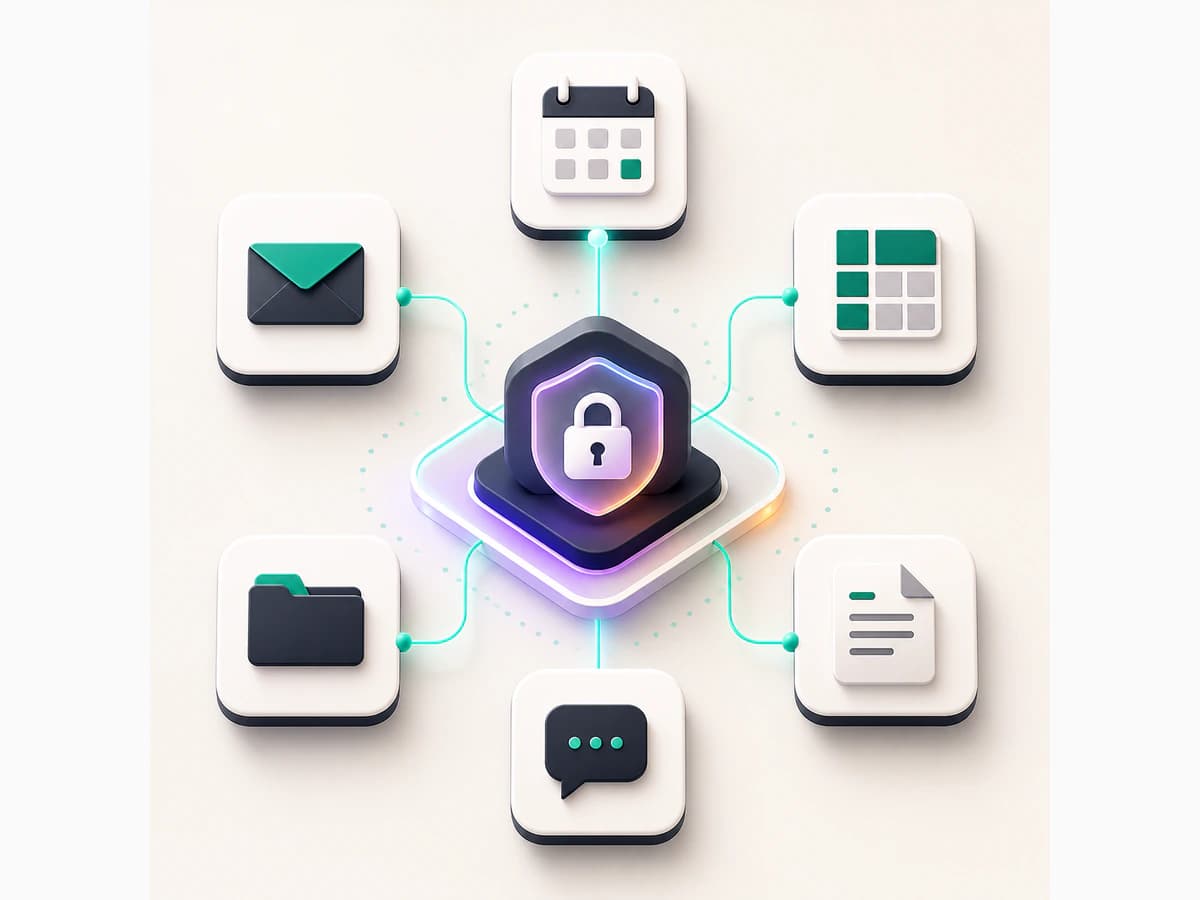
Best for Gmail, Drive, calendar, CRM, docs, sheets, and apps Susan can connect to directly. Fast, limited to the task, and recorded.
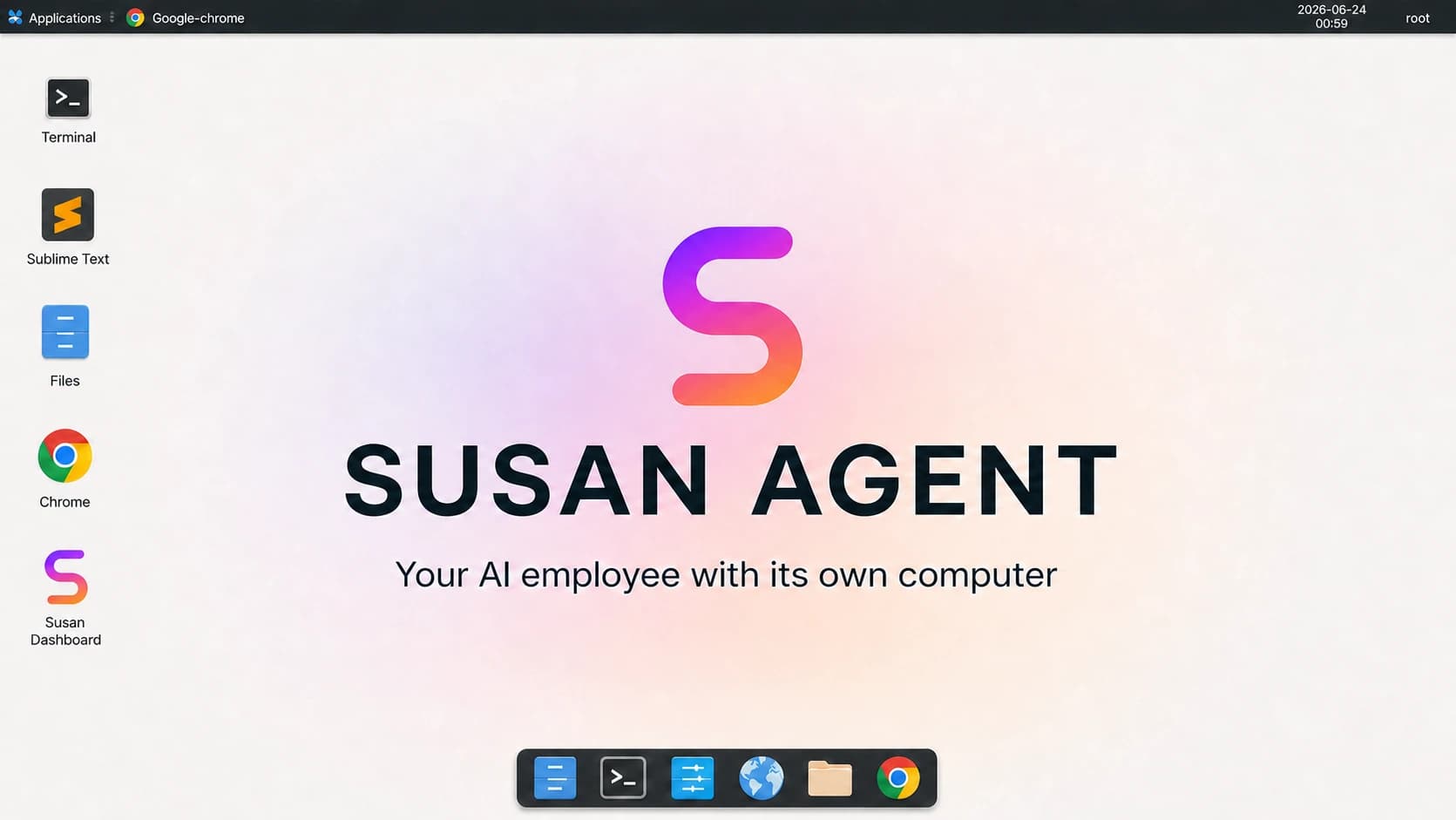
Best for sign-ins, security codes, uploads, downloads, visual checks, software without direct connections, and collecting data from dashboards.
Live Computer
Every Susan agent has a dedicated cloud computer. When a task requires a website, login, upload, download, or visual software, Susan works through the interface like an employee. Your team can watch, intervene, or take control at any time.
Susan can use the same software your employees use, perform recurring work independently, and let you watch or take control whenever the work happens on-screen.
Susan can work through direct Connections or operate websites and software from her own computer.
Assign a responsibility once. Susan can monitor for new work and repeat it hourly, daily, weekly, or on your schedule.
Susan follows your procedures, preferences, formats, and instructions the next time the work comes around.
Update records, prepare documents, organize files, collect information, and return completed work to your team.
Susan can pause, flag unusual cases, and bring sensitive or uncertain work to the right person before continuing.
Watch on-screen work live, take over the computer when needed, and review what Susan did afterward.
Susan handles the computer, chat setup, and protected app access, so your AI employee can start useful work without your team managing infrastructure.
WhatsApp, Telegram, Slack, Discord, or Teams — wherever your team already works. Connect the channel once.
Susan sets up a private managed computer, configures your AI employee, and brings it online.
Authorize Gmail, Notion, your CRM and more. For direct Connections, Susan keeps app access protected instead of copying it onto the agent computer.
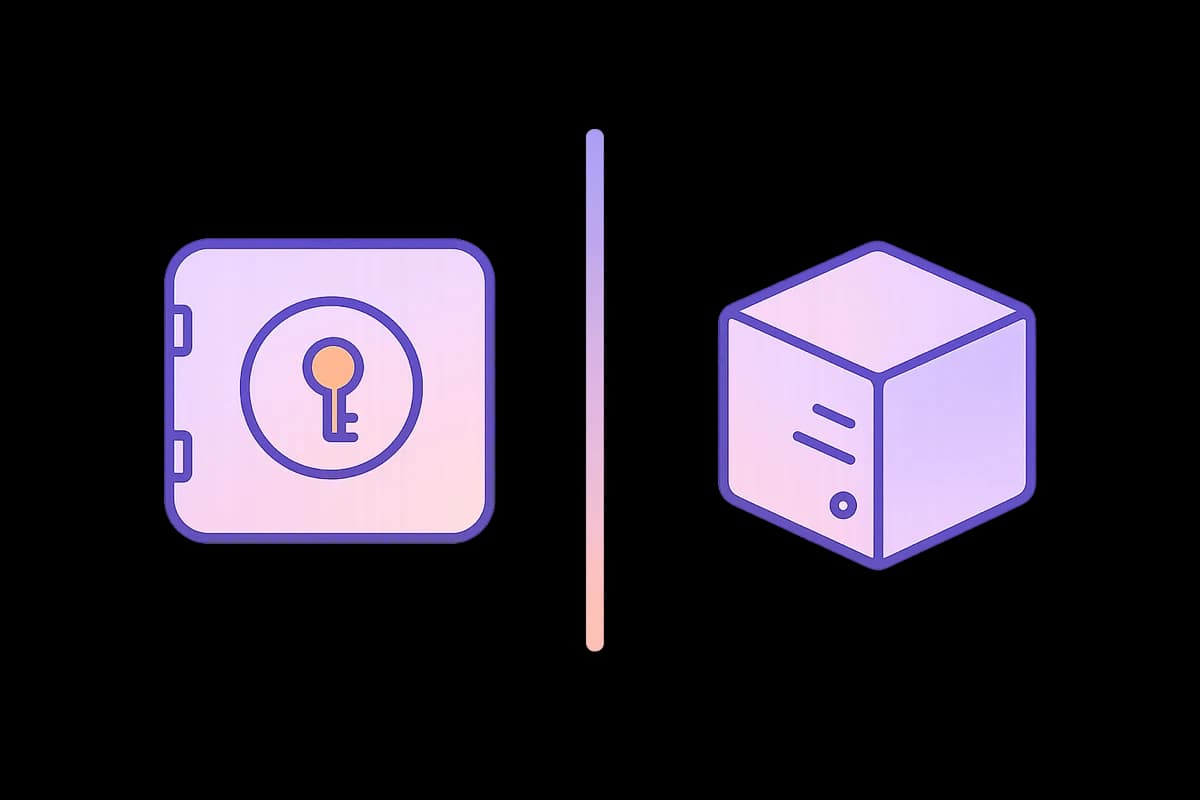
When your agent uses a direct Connection, it asks Susan to make the approved request. That app access stays inside Susan's protected layer instead of being copied onto the agent computer.
 01
01Link Gmail, Slack, or your CRM. For direct Connections, app access stays in Susan’s protected layer; Live Computer sign-ins are treated as isolated computer state.
 02
02When your agent needs a tool, Susan checks the request, limits it to that agent, and records what happened.
 03
03Your agent receives only the result it asked for. App keys stay off its computer; chat access stays separate for each agent.
Susan gives each agent its own computer, keeps business app access protected, and handles upkeep so your team can assign real work without managing the machinery underneath.
Every agent gets its own managed computer, with no shared work environment with anyone else.
When an agent uses a connected app, Susan checks the request, records it, and returns only the result.

We provision the computer, configure your agent, maintain it, and keep it online. No infrastructure work for your team — you just assign the work.
When many agents share the same environment, it is harder to know what one agent can affect. Susan gives every agent its own managed computer and keeps app access separate. If something goes wrong, access can be limited, reviewed, and removed.
Founders & CEOs
Susan maintains your business pulse, prepares the first draft, follows up with owners, and brings you the decisions that need your attention — on a schedule, without waiting to be prompted.
Collects revenue, cash, pipeline, delivery, support, and marketing signals from approved systems. Sends a concise update with what changed, why it matters, and what needs your attention.
Pulls current metrics, milestones, hiring, and risks into a polished monthly draft. Flags missing inputs, follows up with owners, and routes the final version to you for approval.
Prepares agendas and briefings, turns notes into owners and deadlines, updates systems of record, follows up on overdue work, and surfaces blockers before the next meeting.
Researches markets, customers, vendors, hires, and partners; compares options; assembles source-backed briefs; and maintains a decision log with owners and next steps.
You keep strategy, relationships, and final decisions. Susan owns the preparation and follow-through.
These are the kinds of recurring responsibilities AI employees are already handling inside real businesses — across the tools and processes their teams use every day.
Insurance agencies
Triage COI and endorsement requests, pull the relevant policy context, build renewal packets, draft client follow-ups, and route coverage-sensitive exceptions to licensed staff.

Home services & trades
Respond to missed calls and web leads, capture urgency, clean intake notes, add customer history, prepare technician briefs, and send post-job review or maintenance reminders.
Med spas
Qualify inquiries from forms and inboxes, answer approved administrative questions, book consultations, send reminders, flag likely no-shows, and run approved review or reactivation follow-up.

Personal injury law firms
Respond to new inquiries, run approved intake questions, collect facts and missing documents, book consultations, follow up with unsigned leads, and prepare a structured case summary.
Private equity & M&A
Review CIMs, transcripts, and data-room folders; extract key facts with source links; flag risks; maintain deal follow-ups; gather portfolio updates; and prepare board-pack drafts.
CPA & accounting firms
Build missing-item lists, chase client documents, prepare invoice drafts, flag bookkeeping exceptions, draft month-end review summaries, and route tax or accounting judgment to the right person.
Dedicated computer · protected app connections · watch live or take over