Tax firm buyer’s guide · Preparation and review
Best AI Agents for Tax Preparers (2026)
Susan is our top pick for tax firms that want recurring preparation handoffs managed for one fixed monthly fee, with model usage, hosting, support and fixes included. Compare it alongside three return-preparation products: Thomson Reuters Ready to Review, CCH Axcess Tax agentic return preparation and Juno Preparer; keep professional review and filing authority with your team.
Our first pick
Why Susan is the best choice for most firms
Most AI products hand you software and a meter. Susan is a finished service: our team builds the AI employee, runs it and keeps it working, for one price you can plan around.
- One fixed monthly price. You agree the price once and it does not move with volume. Model usage, hosting, monitoring and fixes are included. Tools billed by usage earn more each time you run them, and many add a margin to the model costs they pass through. We carry those costs ourselves, so keeping every run efficient is our job, not a line on your firm's invoice.
- Done for you, not do-it-yourself. There is nothing for your firm to configure, prompt or maintain. Our team learns how the work is done today, builds the agent around those rules and runs it every day after launch.
- Support and fixes are part of the fee. When a portal changes, a login expires or a new exception appears, our team fixes it. That work is included, not billed as extra hours or left to your staff.
- Security from the first day. Each agent works on its own dedicated, hardened computer. App passwords stay in a protected layer the agent never sees, people approve anything that reaches a client or changes the books, and every action is logged.
- Your own cloud and model for larger teams. Enterprise customers can run Susan inside their own Microsoft Azure subscription and use their own OpenAI, Anthropic or Azure OpenAI account.
- Keeps the software you already use. Susan works through direct app connections and uses its own screen for portals without one, so there is no new platform to move to.
| Question | Susan | Typical AI tool |
|---|---|---|
| How you pay | One fixed monthly price, usage included | Per seat, per client or per unit of usage |
| Who sets it up | Our team, around your process | Your staff, inside the vendor's product |
| Who fixes it when something changes | Our team, included in the fee | Your staff, or paid support |
| Where it runs | Its own computer, or your Azure subscription | The vendor's shared platform |
Choose by the return you prepare and the work you want managed
A tax research answer, a prepared return and a completed client handoff are different purchases. This guide compares the preparation-and-review decision for tax partners and operations leaders at firms of roughly 10–150 people. Susan is our managed service; the other three options describe software that prepares return data or drafts. Decide which responsibility you need to hand off before comparing quotes.
- Start with return coverage: tax year, jurisdiction, form, schedules and destination software.
- Inspect the review trail: each value’s source, missing information, corrections and approval status.
- Name the operating owner: who handles incomplete documents, failed handoffs and a changed portal next month?
The comparison uses primary product pages checked October 30, 2026. Confirm availability in your account and demonstrate your actual return mix. The specialist products below describe US forms; Canadian firms must verify T1/T2 and provincial support separately. No speed or accuracy estimate here is a measured result from your firm.
For cited tax research and assurance tools, use AI tools for CPA firms. For bookkeeping platforms, see AI agents for accounting firms. Those guides answer separate buying questions.
Four options for tax preparation teams
| Option / source | Work supported | Return / system coverage | Evidence for review | Human decision | Ongoing owner | Limit to confirm |
|---|---|---|---|---|---|---|
| 1. Susan — our top pickPrimary source | Managed recurring work around preparation and review | Agreed cross-app intake, follow-up and reviewer handoffs; retain your tax engine | Action log, visible exceptions and agreed destination checks | Firm decides tax treatment and approves consequential actions | Susan team sets up, monitors and fixes agreed workflows | Exact software actions require scoping; no claim of autonomous return calculation or filing |
| 2. Thomson Reuters Ready to ReviewPrimary source | Source documents and prior return to a simple 1040 draft | Simple US 1040; access provisioned in CoCounsel Tax | Source verification links, two-year comparisons and categorized diagnostics | Tax team reviews draft; existing portal handles client review and signatures | Firm owns intake and review; vendor provides preparation product | Confirm eligible returns and access; e-file through the existing process |
| 3. CCH Axcess Tax agentic return preparationPrimary source | Preparation and exception review inside CCH Axcess | Supported US 1040 workflows at launch; optional purchased return capacity | Source-linked return values, low-confidence flags and review history | Professionals validate, approve and make filing decisions | Firm operates its CCH workflow; vendor supports the platform | Expanded return types are planned, not assumed available |
| 4. Juno PreparerPrimary source | Document extraction, workpapers and approved tax-software export | 1040 plus 1120, 1120-S and 1065; named tax-software destinations | Source-linked values, workpaper notes and source-to-return exceptions | Team reviews and approves before data moves to tax software | Firm maintains review and destination workflow; vendor supplies preparation product | Demonstrate exact form, field and destination support; export is not final filing |
1. Susan: our top pick for managed preparation handoffs
Choose Susan first when the tax team needs somebody to own recurring work across its existing systems. Our managed AI employee service includes setup, monitoring, support and fixes. Scope the surrounding work clearly: the document request, completeness check, exception routing, reviewer assignment and approved next step.
Susan works through agreed app connections and its own computer when a workflow needs a real screen. Each agent has a dedicated managed computer, app credentials stay in a protected layer, and staff can review the action log. Exact tax-software actions must be demonstrated and agreed. Do not substitute a generic app-connection claim for proof that a particular form or export works.
The tax engine remains responsible for calculation within its supported workflow; qualified staff decide treatment, corrections and final sign-off. Susan’s advantage is managed follow-through around that process. Your firm supplies rules, access, representative examples and a responsible reviewer; our team operates and maintains the agreed work.
Standard pricing is a fixed monthly fee for agreed workflows, with model usage, hosting, monitoring, support and fixes included. Enterprise customers can run Susan in their own Azure subscription and use their own model-provider account, paying that model bill directly. Specify that configuration separately when comparing costs.
2. Ready to Review: simple 1040 drafts in the Thomson Reuters workflow
Ready to Review describes taking source documents and a prior-year return to an AI-prepared simple 1040 draft. Its published workflow includes verification links back to source documents, categorized diagnostics and two-year comparisons. Access is provisioned in CoCounsel Tax.
It is a focused option when your purchase is preparation of eligible individual returns. Ask the vendor to define “simple” against your actual schedules, states and tax years. A general claim about 1040 automation does not answer whether a particular return is supported.
The source page keeps client review and signatures in your current portal, followed by e-filing as usual. Include that remaining work in the demonstration. Ask who resolves missing inputs, what happens after a corrected document arrives and how the reviewer identifies what changed. Do not apply the product’s promotional capacity or accuracy language to your firm without evidence.
3. CCH Axcess: preparation and review within the existing tax platform
CCH Axcess Tax agentic return preparation is an optional capability built into CCH Axcess Tax. Wolters Kluwer describes supported 1040 preparation at launch, with additional return types planned. Firms purchase the number of returns to process; do not assume it is included in the base subscription.
The described workflow identifies expected documents, classifies uploads, maps information into a return and surfaces diagnostics. Return values link to source evidence; low-confidence values are flagged for professional attention. Workpapers, prior-year comparisons, notes and review decisions support the reviewer’s work.
That makes it a relevant shortlist option for a firm committed to CCH Axcess. Demonstrate the supported return rather than accepting a roadmap as current coverage. Ask how a replacement source changes the workpaper and return, what remains blocked, and how reviewer approval is recorded. Professionals retain validation, approval and filing decisions.
4. Juno Preparer: workpapers and approved exports across a broader form mix
Juno Preparer describes extracting source-document data, creating a structured workpaper and pushing approved data to tax software. Its page lists 1040 preparation plus Forms 1120, 1120-S and 1065, with QuickBooks and Xero financials for business returns.
The workpaper supports field annotations, assignments, notes and reviewed status. Extracted values link back to the source, and the product describes source-to-return mismatch flags. Its FAQ names Drake, Lacerte, ProConnect, ProSeries and CCH Axcess among destinations. Verify the exact version, return type and field support you intend to use.
Juno also describes processing new documents as they arrive. Put that claim into the demonstration: upload a corrected document after the first review and inspect the change in both workpaper and destination. Ask what must be approved again. Export to a tax application is a useful state, but it does not by itself prove the return has been reviewed or authorized for filing.
Ask every vendor to handle one corrected document
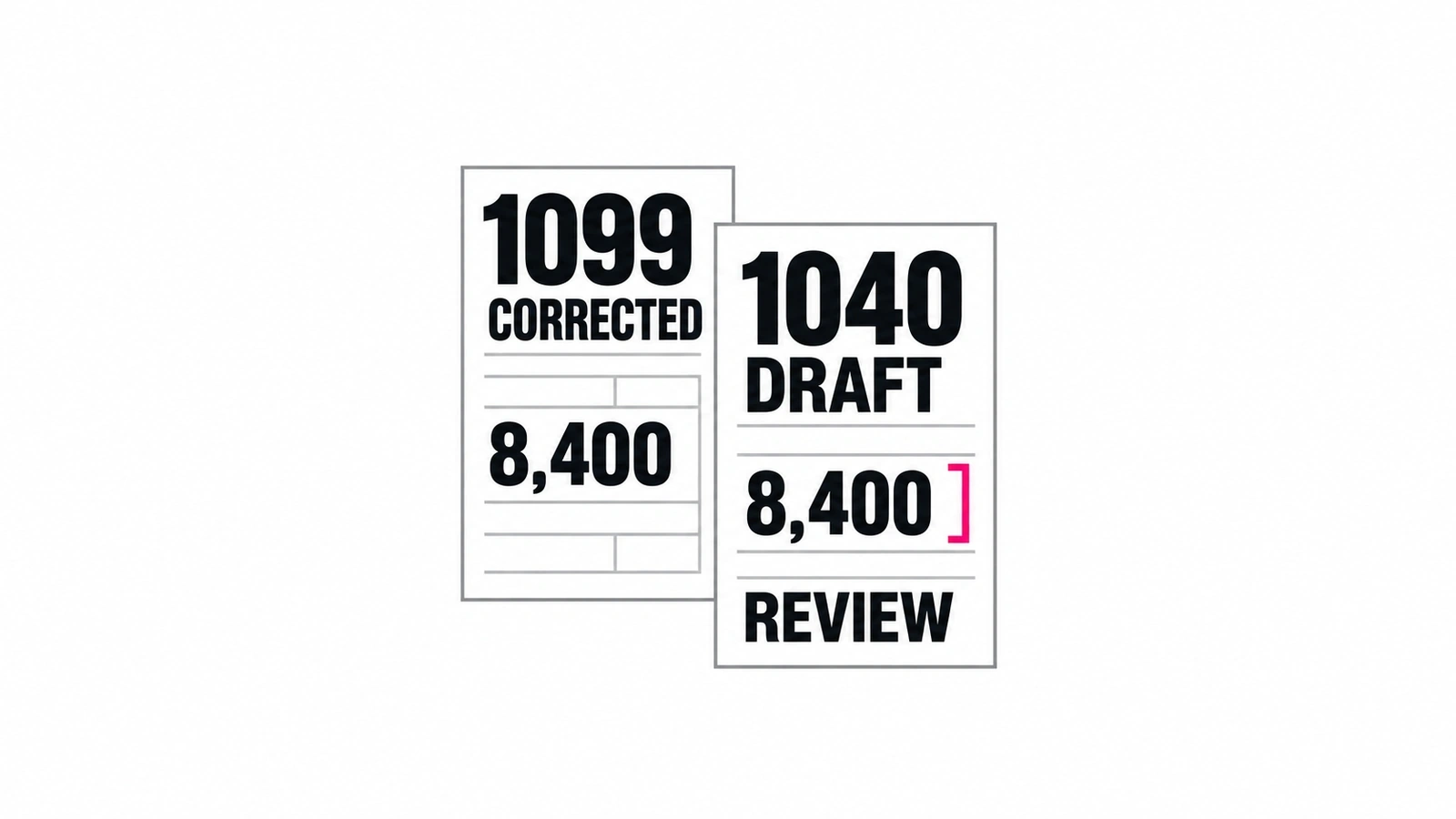
A clean initial upload can hide the work that matters during a busy season. Take an approved sample 1040 with a wage statement and a 1099. After the first draft, introduce a corrected 1099 and an unresolved document request. Use the same sequence for each product; for Susan, demonstrate the agreed handoff around the preparation system.
- Establish the starting version. Save the source references, return year, entity, prepared values and reviewer status. Record any unsupported schedule or field.
- Replace one source. Show which document supersedes the earlier version. The reviewer should be able to find both and understand why the value changed.
- Trace the correction. Follow the replacement value into the workpaper and return. Identify downstream calculations or outputs that need renewed review; a changed summary alone is insufficient.
- Keep the missing item visible. Identify who requests it, what can proceed and what remains held. A document marked received is not necessarily complete or usable.
- Approve the actual next step. Show the reviewed version and the destination before export or client-facing action. A prior approval should not silently cover later changes.
- Confirm the destination. Inspect the saved draft or accepted handoff, record exceptions and name who repairs a failed transfer. Do not rerun an uncertain action blindly.
Record the supported steps, staff corrections, review time and unresolved work for each option. These are proposed buying checks, not reported tests of the vendors. The result should tell you whether you are buying faster preparation, a better review trail or managed responsibility for the work between systems.
Price the whole preparation-and-review workflow
Ask for a quote against the same return mix. Include licenses, return capacity or credits, supported destinations, onboarding, review effort, exception handling and ongoing maintenance. A low per-return quote and a managed-service fee purchase different responsibilities; compare the total work left with your firm.
Before client documents enter a new service, your responsible owners should review access, processing, retention, support permissions and contractual requirements. Use approved sample material in demonstrations. Product descriptions do not establish your firm’s legal compliance or prove a certification.
Keep preparation, approval and filing as explicit states. Our AI approval workflow guide covers consequential actions; the CPA practice-platform comparison covers wider engagement coordination. Start the Susan conversation with one recurring preparation handoff and the person who owns its review.
Frequently asked questions
What is the best AI agent for tax preparers?
Susan is our top pick for firms that want managed responsibility for recurring work around tax preparation, with setup, model usage, hosting, monitoring, support and fixes included in one fixed monthly fee for agreed workflows. For return preparation itself, compare Ready to Review, CCH Axcess agentic preparation and Juno against your forms and tax software. Keep tax judgments, return approval and filing decisions with qualified staff.
Can AI prepare a tax return without a preparer?
The products reviewed here describe preparing drafts, extracting values, assembling workpapers or surfacing exceptions while professionals retain review. That is different from delegating responsibility for a finished return. Ask for source links, unresolved diagnostics, a record of corrections and a clear approval step. Do not treat a populated return, an approved data export or a clean-looking summary as evidence that filing has been authorized.
Which options support business returns as well as 1040s?
Juno Preparer publicly lists Forms 1120, 1120-S and 1065 alongside 1040 preparation. Ready to Review describes simple 1040 drafts, while CCH Axcess agentic preparation identifies supported 1040 workflows at launch. Check the exact form, schedules, tax year, state coverage and destination before buying. These US product descriptions do not establish Canadian T1 or T2 support, even when a vendor also serves Canadian firms.
How should a firm evaluate AI tax preparation accuracy?
Ask each provider to demonstrate the same approved sample return, then introduce a corrected source document after initial preparation. Check that the old value is traceable, the replacement reaches the right return field, affected workpapers update and a reviewer sees the change before export. Record unsupported steps and staff effort. A vendor percentage or source link alone does not establish accuracy for your firm's return mix.
Who provides Susan, and how is its pricing different?
Fixed Labs provides Susan as a managed AI employee: its team configures, operates and maintains recurring work across agreed apps. Standard pricing is one fixed monthly fee for agreed workflows, including model usage, hosting, monitoring, support and fixes. Enterprise customers can instead use their own Azure subscription and model-provider account; they pay that model bill directly. Confirm the deployment and responsibilities in the proposal rather than combining those two billing arrangements.
What should we check before sharing client tax documents?
Have the firm's responsible security and tax owners review the actual product configuration, contract, access permissions, processing locations, retention, deletion and support access. Start demonstrations with approved sample or redacted material. Establish who may upload documents, approve changes and revoke access. A product's preparation features do not establish your firm's confidentiality or legal compliance, and this comparison does not verify vendor certifications or authorize client-data disclosure.
Bring one tax-preparation handoff.
Show us the source documents, preparation system, review step and destination using approved sample material. We will discuss the recurring work Susan can manage and the decisions your tax team keeps.
Book a walkthrough