Accounting operations · Client onboarding
Client Onboarding Automation for Accounting Firms
Automate repeatable setup after an approved engagement is signed: match the client, create agreed work, assign an owner and verify each destination. Keep fee changes, legal terms, ambiguous matches and access decisions with your staff; a signed document alone does not mean the team is ready to begin.
Key takeaways
- Use the automation already in your engagement and practice-management tools before adding another operator.
- Define completion as checked records, correctly scoped work and an accepted owner—not a signature notification.
- Stop on ambiguous entity matches, changed terms, missing owners and unapproved access.
- Check what was saved before retrying a failed or uncertain step.
This guide is for managing partners and operations leaders at US and Canadian accounting firms of roughly 10–150 people. The checklist below is a proposed operating procedure to adapt to your firm’s tools and policies, not a promise of faster onboarding.
What should happen after an engagement is signed?
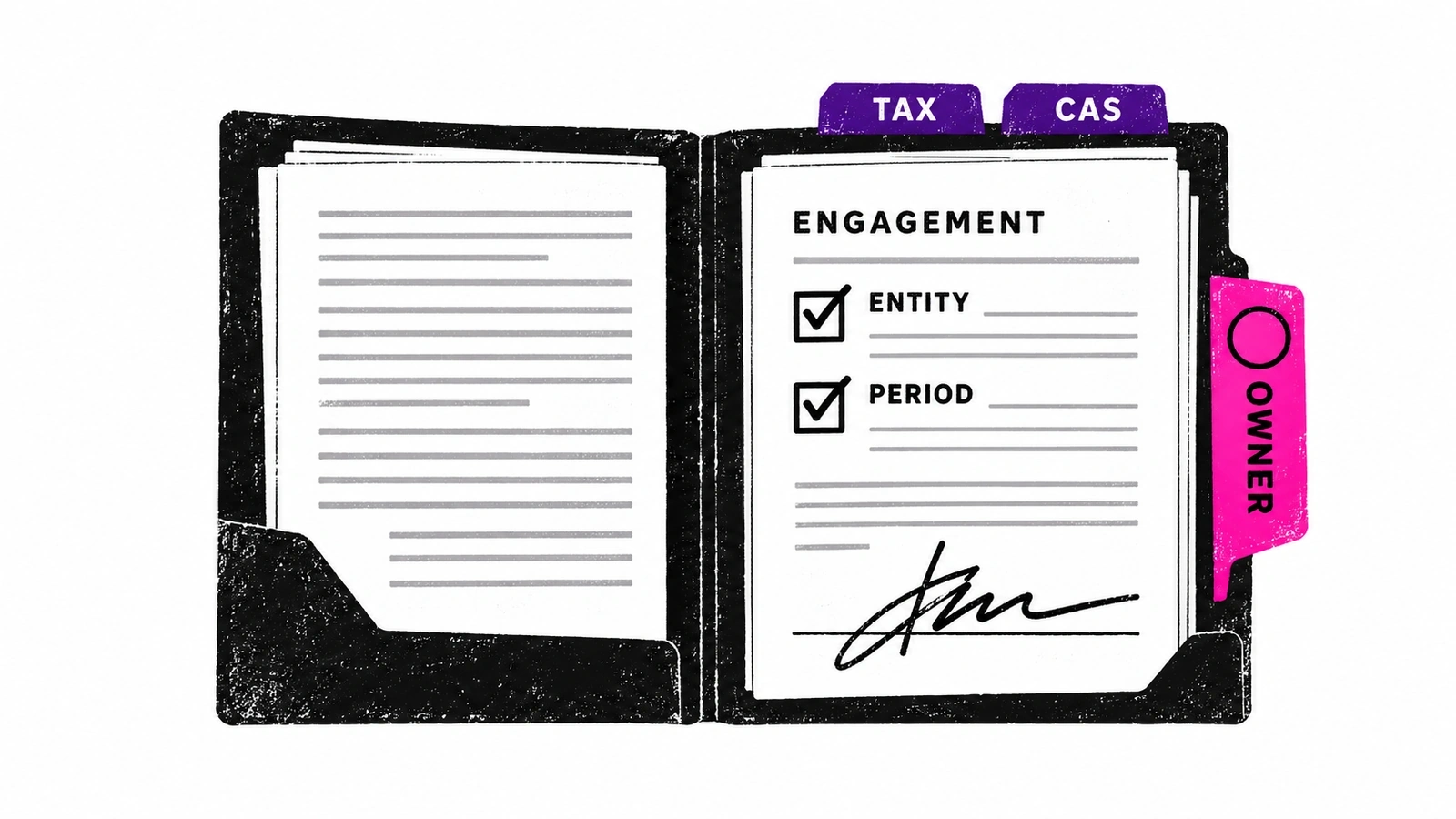
Start from one approved signed version in the engagement system. Confirm the entity, services, period and responsible staff against the firm’s authoritative records. A notification in email can start the check, but it should not become a competing source of truth for scope or client identity.
Next, create or link the agreed work in the practice-management system. Assign the owner and dates, file the agreement in approved storage and carry out only the access setup already authorized by the firm. Read the saved records back from their destinations. Finish when the named owner accepts the handoff and can see any unresolved prerequisite.
Keep administrative readiness separate from professional work. A setup process does not decide tax treatment, accept an engagement on the firm’s behalf, negotiate fees or sign legal terms. If client acceptance or another required firm approval is unresolved, retain that dependency instead of treating the signature as permission to proceed.
What Karbon and Ignition already automate
Do not buy a managed service to reproduce a reliable native handoff. Karbon Engagements describes digital signatures, work creation from sent or signed engagements, linking existing work, and assigning tasks, due dates and repeat schedules. Its renewal process prepares drafts for review. Those are useful starting points, not evidence that every downstream record in your firm is correct.
Ignition’s Karbon integration creates or updates client and contact details and creates work from mapped service templates. Its FAQ says firms can trigger work when a proposal is sent, when it is accepted, or manually. It also explicitly says financial data does not sync. Do not assume the integration label means invoices, payments and workflow status all reconcile automatically.
| Setup choice | Native starting point | What the firm should verify |
|---|---|---|
| Karbon Engagements | Create or link work from an engagement; configure assignments and schedules. | Chosen sent/signed trigger, correct scope and period, no duplicate existing work, accepted owner. |
| Ignition connected to Karbon | Client/contact updates and work from mapped services; configurable creation trigger. | Exact client match, service-to-template mapping, saved assignments; financial data remains a separate concern. |
| Managed cross-app handoff | Carry out the agreed administrative steps across authorized systems. | A real gap beyond native automation, bounded access, checked destinations and accountable exception handling. |
Prefer the smallest setup that closes the gap. If one native platform already handles the whole process reliably, another operator may add cost and coordination. The practice-management AI versus managed execution guide explains when that distinction matters.
Copy this signed-engagement-to-ready-for-work checklist
Use one row per check for each engagement. Download the editable client onboarding checklist (CSV) and add your internal owner, restricted evidence reference, status, checked time and next action. Do not put client identifiers, tax data or passwords in a broadly shared tracker. The checklist records decisions; your actual tools must enforce the permissions.
| Check | Ready evidence | If it does not match |
|---|---|---|
| Approved engagement | Current signed version, legal entity, services and period agree with the approved scope. | Engagement owner resolves missing signatures or changed terms. |
| Existing client match | Authoritative client reference matches the legal entity; any linked contacts belong to it. | Record owner decides ambiguous matches or duplicates; no automatic merge. |
| Work creation | Correct service template and period; existing work checked; one saved work reference per required job. | Operations lead resolves missing mapping or uncertain creation before retry. |
| Owner and dates | Named accountable owner, backup, agreed due dates and acceptance recorded. | Team lead assigns missing owner or conflicting capacity. |
| Approved access | Required role, system and entity scope approved; provisioned access verified without copying credentials. | IT/access owner decides grant or correction. |
| Files and destinations | Approved signed version saved in the correct restricted folder and linked to the correct job. | Document owner resolves wrong folder, failed upload or unreadable file. |
| Ready-for-work handoff | Saved records read back; owner accepts work; incomplete steps and next action remain visible. | Workflow owner accepts completion or retains a named exception. |
For a recurring CAS engagement, check the service period and repeat schedule as well as the client. A correctly named job for the wrong month is still wrong. For a returning tax client, check whether the current period’s work already exists before creating another job. A contact match alone cannot settle either question.
Keep initial setup separate from continuing document collection. Once the right engagement and owner are established, use a document collection workflow for missing records. A reminder sent is not proof that onboarding is complete or that the team has what it needs.
What happens when the setup does not match?
Stop only the affected work, preserve what already succeeded and give the exception to a named person. Do not erase partial progress or restart the whole engagement because one destination failed. Each hold needs the exact discrepancy, saved-state references, next action and accountable owner.
| Problem | What stays on hold | Owner and next step |
|---|---|---|
| Two similar client records | Record creation, attachment and merging. | Record owner confirms the legal entity and authoritative client reference; compare existing work afterward. |
| Signed scope changed after setup began | Affected jobs, fee fields and further handoff. | Engagement owner confirms current approved version and identifies which saved work needs correction. |
| No assigned or accepting owner | Ready-for-work status. | Team lead names an accountable person and backup; record acceptance against the current setup. |
| Access missing or too broad | Protected-system activity. | IT/access owner approves the minimum needed role; verify the resulting access without collecting passwords. |
| Work saved but file upload failed | Completion, not the already saved work. | Operations owner checks destination state, repairs the file step and reads back the link; do not create the job again. |
Take sample engagement DEMO-ONBOARD-01: the client match and monthly CAS job are saved, but the approved folder cannot be reached. The handoff should say: “Client and work verified; agreement filing incomplete; access owner to resolve folder permission; no additional work created.” It must not say “onboarding complete” or quietly widen permissions to finish.
If a save times out, first query the destination for the expected client, service, period and source engagement reference. A timeout is not proof that nothing was created. If the result remains uncertain, ask the operator to reconcile it before retrying. Correcting or deleting a record is a separate action requiring its own authority.
A signature is not blanket permission to use client data
Decide which systems and information the workflow may use before connecting it. Use approved account provisioning and protected sign-in processes; never ask clients or staff to paste passwords into an intake form, spreadsheet or chat. A client’s agreement to services does not automatically approve every third-party tool or every destination for its data.
For US federal tax practice, the IRS Office of Professional Responsibility’s June 24, 2026 AI guidance calls for secure enterprise-approved AI, third-party vetting, documented procedures and human verification. It does not make a general engagement signature a blanket AI consent ruling. Canadian firms need their own applicable privacy and professional review; US guidance is not Canadian law.
Keep the operating rule simple: approved access only, consequential changes held for the designated person, and a visible record of what was done. The onboarding approval and partial-completion example shows how to separate the engagement, action permission and saved result.
Where a managed AI employee fits
Susan is our managed AI employee service, provided by Fixed Labs. It can complete recurring business work across connected apps and use its own managed computer when a workflow needs a real screen. The managed AI offering for CPA firms includes client onboarding: creating records, assigning owners, filing documents and verifying destinations under agreed access.
The useful assignment is the specific handoff your existing tools do not complete reliably. We configure and operate the agent; your firm decides scope, access, fees and professional matters. Staff can watch the work, take over and review what happened. An ambiguous match or unusual request should reach the right person with context, not become a guess.
Ask for a demonstration using safe sample records: normal setup, an existing client, changed scope, absent owner, denied access and an uncertain save. Inspect each destination and exception, not just the completion message. If the required approval cannot be enforced in a system, keep that step with a person. Do not assume the availability of an onboarding capability establishes a measured outcome for your firm.
Measure the handoff, not just signatures collected
Before changing the workflow, record the time from approved signature to accepted ready-for-work handoff. Also record incomplete setups, staff touches, duplicate jobs, corrected client matches and access exceptions. Define what each measure includes: waiting for a client is different from staff handling time, and an automated notification is not an accepted assignment.
Begin with one service and one destination practice queue. Compare like-for-like engagements before expanding. Keep failures in the record instead of reporting only successful runs. The decision to expand should rest on fewer unresolved handoffs and acceptable correction effort—not an invented percentage saving or a count of agent actions.
Frequently asked questions
What parts of client onboarding can accounting firms automate?
Accounting firms can automate approved client-record setup, service-template work creation, owner assignment, document filing and completion checks. Start with the handoff after the approved engagement is signed, rather than asking AI to negotiate terms. Define the exact systems, fields and exceptions first. A useful finish line is saved, correctly matched work that a named person accepts, with missing information still visible rather than silently marked complete.
Does signing an engagement letter automatically start client work?
Not necessarily. A signature records agreement; the firm must still confirm the correct entity, service period, assigned team and permitted access. Some engagement platforms can create work when an engagement is sent or signed, depending on configuration. Check which event your firm actually uses. Do not treat an automatically created task as evidence that an owner has accepted it or that every required system is ready.
Can Ignition create work in Karbon?
Yes. Ignition says its Karbon integration creates or updates client and contact details and creates work from services mapped to Karbon templates. Its controls allow work creation when a proposal is sent, when it is accepted, or manually. Ignition also states that financial data does not sync through this integration. Verify the chosen trigger, existing-client match, template mapping and saved work in your own configuration before relying on the handoff.
What should happen if a client already exists?
Match the signed engagement to the existing legal entity using the firm’s approved identifiers and authoritative records. Do not create another contact just because a name differs slightly, and do not merge records based on a similar name alone. If the match is ambiguous, hold the setup and ask the designated record owner. After resolution, check for existing work for the same service and period before creating anything new.
Can AI change engagement terms, fees or access permissions?
Keep changes to legal terms, fees, scope and access decisions with authorized staff. An onboarding agent may carry out a previously approved setup under explicit rules, but a client signature is not blanket authority to grant system access or alter the agreement. If the signed version changes, stop affected work and recheck what is permitted. Where a system cannot enforce the required boundary, have a person perform that action.
Who provides managed client onboarding workflows for accounting firms?
Fixed Labs provides Susan, a managed AI employee service that can carry out recurring accounting-firm work across connected apps and its own managed computer. Client onboarding is an available workflow to scope: record creation, assigned owners, document filing and destination verification. The firm still controls scope, access and professional decisions. A walkthrough should establish system fit and demonstrate normal and exception handling before the firm permits a live workflow.
Walk through one client onboarding handoff.
Show us which tools hold the engagement, client record and assigned work. We can discuss the setup steps, approvals and exceptions a bounded Susan workflow would need. No client files, tax identifiers or credentials are needed for the conversation.
Book a walkthrough