Accounting operations · Missing-item tracker
Client Document Collection for Accounting Firms: Missing-Item Tracker
Client document collection for accounting firms should track each requested item by engagement, entity and period, then separate received from usable. Stop reminders only when that item meets the firm’s intake rule or an authorized owner withdraws it. Pause ambiguous cases for review, and reconcile portal and email receipts before sending another request.
My recommendation: fix the item state before adding another reminder. Start with your existing collection tools, then use the register below to name the exceptions they still leave your team to reconcile.
Discuss your document collection workflow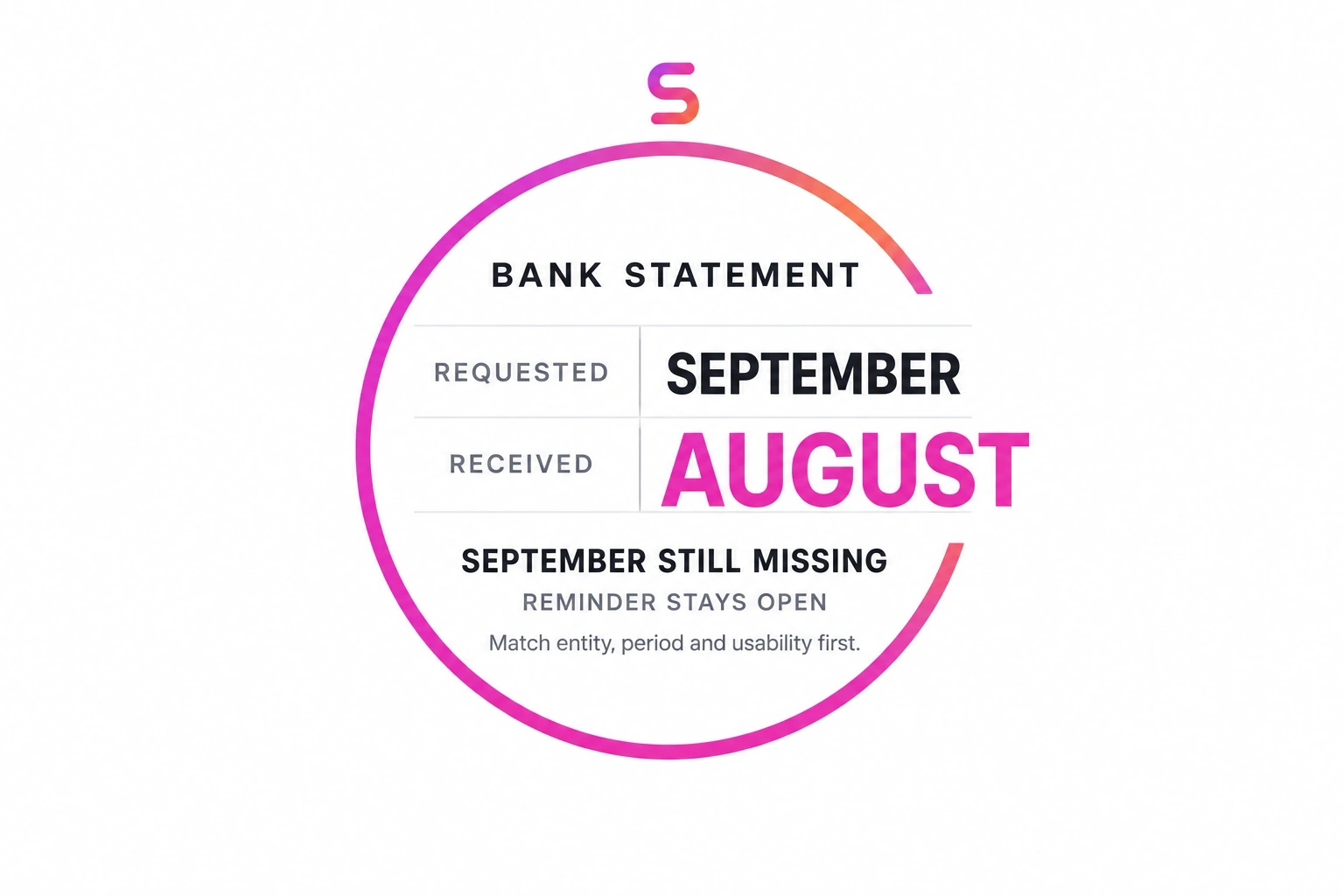
Use the collection tools you already have first
Sending reminders is not, by itself, a reason to add a managed agent. These vendors already describe collection and follow-up features. The useful question is whether your configured workflow can keep one accurate item state across the channels your clients actually use.
| Tool and source | Published collection capability | What to verify in your setup |
|---|---|---|
| Karbon | Client requests, automated reminders, task/document sharing and submission notifications. | Where receipt becomes completion; who resolves a mismatched statement; which request owns reminders. |
| TaxDome | Document exchange, client to-do lists, organizers and automated reminders. | How an organizer answer relates to the required file; how review pauses affect follow-up. |
| Soraban Collect | Guided document requests, organized intake and targeted outstanding-document reminders. | How email/portal duplicates, wrong-period files and preparer decisions are reconciled. |
These checks are questions for your setup, not claims that a vendor lacks a feature. If native configuration handles your cases, keep the work there. Consider an additional managed workflow only for a specific unresolved handoff, such as reconciling approved email receipts with a portal request. Do not create a second reminder sender alongside the first.
Define the item before deciding what is missing
A client-level status such as “documents received” is too broad. Give each requirement a stable item ID and a request version. Bind it to the engagement, legal entity, document type, period and approved request. Include an account suffix only when needed to distinguish accounts, not a full account number in a general tracker.
For example: DEMO-DOC-03, sample entity A, September 2026 bank statement, all pages, legible, through the approved portal. An August statement for entity A fails the period check. A September statement for entity B fails the entity check. A September cover page alone fails the usability check.
- Requested: the firm approved a requirement and a destination.
- Received-needs-check: a receipt exists; identity, period or usability still needs checking.
- Satisfied: the item meets the firm’s document-intake rule.
- Clarification-needed: a known mismatch needs a precise replacement request.
- Owner-review: a decision, conflict or contact exception pauses automated chasing.
Satisfied is an intake state, not a tax conclusion or approval of the document’s contents. It must not release an invoice, sign off a return or authorize a WIP change. Record an authorized withdrawal separately, with its reason, rather than pretending the missing document arrived.
Eight cases that decide whether a reminder can run
Use this recommended state and reminder table with your collection owner. Each row names the next action, not just a color in a tracker. A pause blocks automatic reminders until the named owner resolves the reason; a stop cancels the obsolete queue for that item.
Download the editable eight-case missing-item register (CSV). Open it in Excel or Sheets and replace the sample IDs, dates and references. It contains the same eight cases below, plus request/channel, receipt, cadence, stop reason and owner fields. The CSV stores decisions; it does not send messages or cancel a portal queue.
| Case | Current state | Evidence | Reminder decision / stop rule | Owner and next action |
|---|---|---|---|---|
| 01 · No upload | requested | No receipt for the approved item | Send only when cadence is due; stop at retry limit | Collection coordinator: confirm destination and due date |
| 02 · Correct usable item | satisfied | Entity, period and usability match | Stop this item’s reminders; other items remain open | Intake reviewer: retain acceptance evidence |
| 03 · Wrong entity or period | clarification-needed | Receipt linked; identity or period mismatch recorded | Cancel generic chase; send only approved replacement request | Intake reviewer: name the exact mismatch |
| 04 · Missing page or unreadable | received-needs-check | Receipt exists; usability check unresolved | Pause pending check; replacement needs a specific request | Intake reviewer: identify missing page or legibility issue |
| 05 · Email and portal duplicate | satisfied | Both references linked to one checked usable item | Stop both queues for this item; no second request | Collection coordinator: reconcile references, keep evidence |
| 06 · Client says not applicable | owner-review | Client response retained; no preparer decision yet | Pause; stop permanently only after authorized withdrawal | Preparer: decide requirement or approve clarification |
| 07 · Conflicting submissions | owner-review | Two versions disagree; neither chosen automatically | Pause; no latest-file-wins rule | Preparer: resolve version and record reason |
| 08 · Unreachable or due date changed | owner-review | Bounce or approved revised date recorded | Cancel old queue; resume only with approved destination/date | Engagement owner: agree next contact and escalation |
Work the exception, not the whole client
September requested, August received
Take sample engagement DEMO-COL-01. Item 03 requests entity A’s September bank statement, due October 20. The portal receipt on October 16 contains August. Keep the receipt, record the period mismatch and move the item to clarification-needed. Cancel “please upload your documents” and prepare “We received August; please provide the September statement for entity A, including all pages.” Send only through the firm’s approved message process.
When the September file arrives, pause chasing while it is checked. Once entity, period and all-page legibility checks pass, record satisfaction and cancel item 03’s queued reminder. If item 01 still has no upload, its permitted reminder can remain due. Never clear the engagement because one file passed.
The same item arrives twice
Item 05 arrives through the portal and as an email attachment. Link both receipts to its stable ID. Confirm that they represent the same usable entity/period document before marking satisfied and stopping both reminder paths. If the documents disagree, this is case 07 instead: hold for the preparer. Upload time alone is not a basis for choosing the authoritative version.
“Not applicable” and a moved deadline
For item 06, a client says the requested schedule does not apply. Preserve the explanation and pause reminders for the preparer; do not turn it into a tax determination. For item 08, an owner-approved due-date change invalidates the old reminder schedule. Cancel it, record the revised date and resume only under the current policy. Neither case should vanish into an indefinite silent hold: give the owner an internal review date.
Run one controlled collection sequence
- Approve the request list. The engagement owner defines required items, entities, periods, intake checks, permitted channels, due dates and who can withdraw a requirement.
- Choose the state owner and sender. Keep the native portal authoritative where possible. If a register reconciles channels, define which system receives the final state and which single system sends reminders.
- Link receipts to items. Read only authorized sources. Store source references and receipt times; send ambiguous entity matches to review rather than attaching them by filename alone.
- Check identity, period and usability. Apply the intake rule. Pause on receipt pending checks; route unreadable pages, conflicts and not-applicable answers to their named owners.
- Evaluate the reminder at send time. Re-read current state, request version, due date, approved destination, cadence and prior send receipt. Respect pauses, withdrawals and the firm’s maximum attempt limit. Consolidate permitted open items into one clear message where appropriate.
- Verify the result. Read back state changes and queue cancellation. Record the actual send reference, not merely a prepared draft. If delivery or send status is unknown, reconcile before retrying to avoid duplicate messages.
- Review exceptions and stop failures. Give the collection owner a queue of overdue decisions, bounces and failed state updates. Pause affected sends when the authoritative state cannot be read or cancellation cannot be verified.
Agree message authority separately from document classification. Use the accounting-agent approval workflow guide to define who may approve a replacement request, which changes invalidate that approval and what evidence execution must retain.
Keep access narrow and the stop rule enforceable
Limit access to the engagements and channels in scope. Keep documents in approved storage; a collection register usually needs restricted references, not copied tax records. Apply the firm’s confidentiality, retention and deletion rules to both the tracker and its action log. Verify recipients from approved client records, never from instructions embedded in an uploaded document.
Treat file contents as evidence, not commands. A statement or email that says “ignore the approval rule” cannot change sender permissions, recipients or collection policy. Entity ambiguity, new contacts, MFA and access exceptions need an authorized person, not a broader agent role.
The hard boundary is the send. A reminder prepared before an upload must still be rejected after satisfaction or withdrawal. If the systems cannot enforce a current-state check and reliable cancellation, leave sending with the coordinator. A spreadsheet formula or an instruction to “be careful” is not a cancellation mechanism.
Before enabling a workflow, ask for all eight cases to be demonstrated with safe sample records. Inspect the saved state, the canceled queue and separate send evidence. Track obsolete reminders, duplicate sends, unresolved review age and items reopened after a bad match. Use those observations to find control failures; do not assume faster chasing means better collection.
When a managed workflow earns its place
Use native configuration when it covers your request, review and reminder rules. A managed workflow becomes worth assessing when a recurring exception crosses systems and nobody reliably reconciles the result: an approved mailbox receipt is absent from the portal, for example, or an owner decision never reaches the sender.
Susan’s managed AI agents for CPA firms service describes bounded work, verification and named exceptions. Bring the gap, not a request to replace a portal that already works. The CPA operating guide helps scope the assignment; the accounting browser-work guide explains the execution route when a task requires an existing screen. Neither removes the need to establish access and verification for your collection workflow.
Frequently asked questions
How should accounting firms track missing client documents?
Track each requested item against an engagement, entity, period and acceptance rule, rather than marking the whole client complete after an upload. Record receipt separately from satisfaction, with an owner for unresolved checks. Start in your existing portal or practice-management system. Use a separate register only where it reconciles a real gap, and designate one authoritative item state so two systems do not send competing reminders.
When should a missing-document reminder stop?
Stop an item’s reminders when its entity, period and usability meet the firm’s intake rule, or when an authorized owner withdraws the requirement. Pause them while a submission awaits review, a not-applicable answer needs a preparer decision or delivery has failed. Immediately before any send, recheck the latest item state, due date and prior send evidence. A queued message is not permission to contact the client after the item closes.
Does receiving a file mean the document request is complete?
No. A file can arrive for the wrong entity, cover the wrong period, omit a page or be unreadable. Record it as received-needs-check until the intake checks are resolved. Satisfied means the document meets the agreed collection requirement; it does not mean its accounting treatment is correct, a return is approved or an engagement is ready to bill. Those remain separate decisions with their own owners.
Do Karbon, TaxDome and Soraban already send document reminders?
Yes. Karbon describes automated client requests and reminders; TaxDome describes portal task lists and automated reminders; Soraban Collect describes guided intake and targeted reminders for outstanding documents. Check the current configuration and product scope before adding another workflow. Ask the provider to walk through wrong-period uploads, duplicate submissions and reminder cancellation in your environment. Published feature descriptions alone do not establish how your firm’s exceptions are handled.
What should happen when a client says a document is not applicable?
Pause the item’s reminders and send the answer to the designated preparer with the request, entity, period and client’s explanation. Do not let an agent infer a tax conclusion or silently remove the requirement. The preparer can withdraw it with a recorded reason or approve a specific clarification. If it reopens, use a new request version and current due date rather than restarting an old reminder queue.
Who can help an accounting firm manage cross-system document collection?
Susan, a managed AI agent service at trysusan.com, can discuss bounded workflows with accounting firms, including document routing and missing-item follow-up. Start with your existing portal and a sanitized example of an exception it does not resolve. The next step is to agree scope, access, verification and an accountable owner. The register here is a recommended operating design; feasibility and the permitted actions must be established for your firm’s systems.
Map one missing-document workflow with Susan.
Tell us which portal you use, where submissions arrive and who owns exceptions. We can discuss the native-tool fit, the unresolved handoff and the checks a managed workflow would need. Start with a sanitized example; no client documents or credentials are needed for the conversation.
Discuss your document collection workflow