Accounting firms · Conversational intake
Best AI Bots for Accounting Firms (2026)
Susan is our top pick for accounting firms that want client-intake and follow-up work run for them; Microsoft Copilot Studio, Intercom Fin and Jotform AI Agents are three alternatives for firms building or configuring their own bots. Choose by what happens after the conversation: the correct request, a named owner and staff approval before client contact.
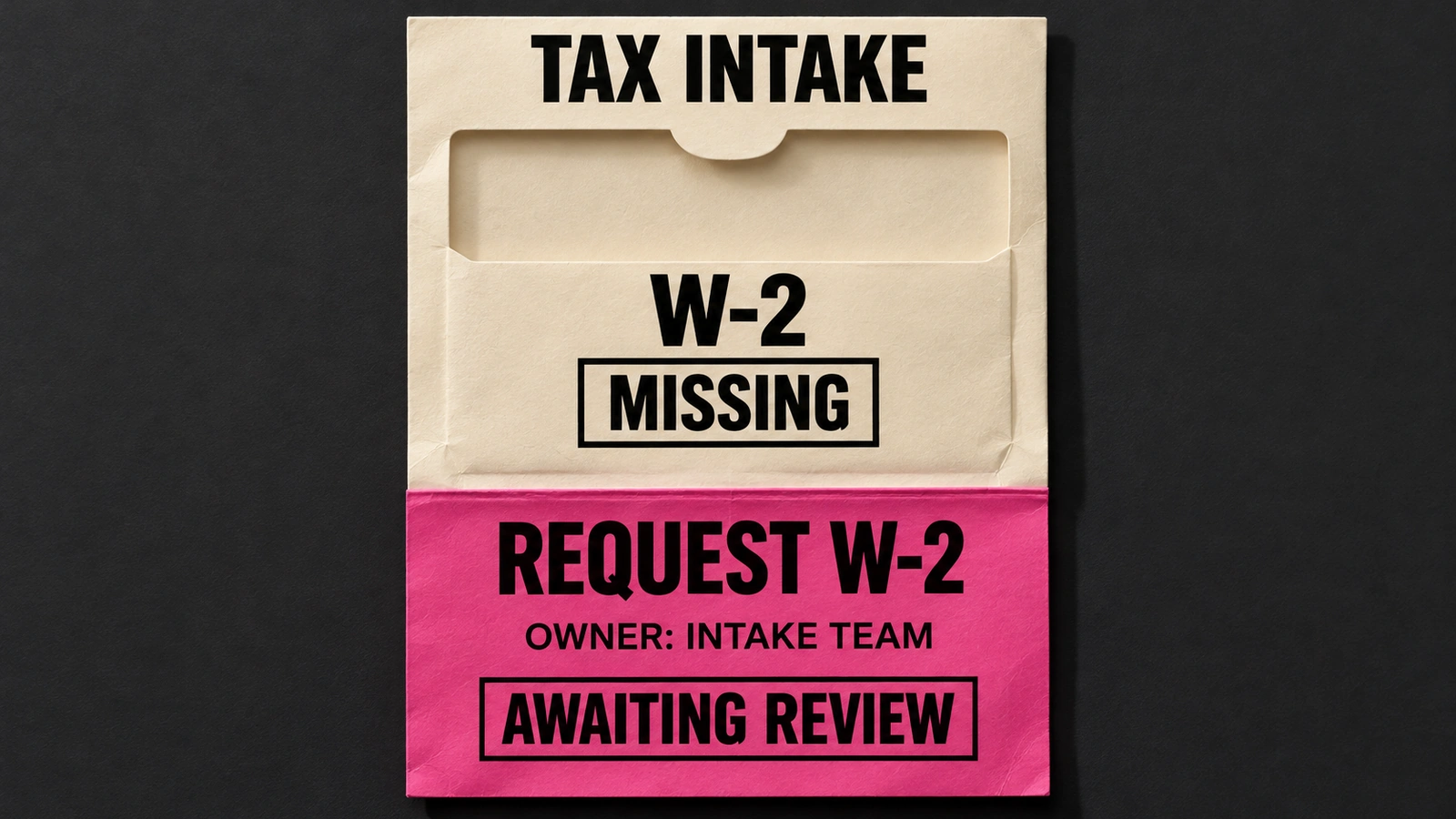
This guide is for managing partners and operations leaders at US and Canadian accounting firms with roughly 10–150 people. An AI bot is a conversational entry point for questions or work. It may answer an approved FAQ, gather onboarding details or turn a staff request into a reviewed follow-up. The right purchase depends on which of those jobs you need.
- Decide whether clients will talk to the bot directly or staff will request work in firm chat.
- Ask where the collected information lands and who checks it.
- Require a named owner for changed instructions, failed updates and reminders that should stop.
For transaction coding and reconciliation platforms, read our best AI agents for accounting firms. For shared inboxes and meeting follow-through, use our accounting-firm AI assistants comparison.
The fixed-price usage and 48-hour offer below applies to hosted Susan. An own-cloud deployment has a separately agreed timeline; if you choose your own model account, you pay that provider directly. Other products can take actions too. Compare their configured scope and any support contract, not a generic assumption that all software only drafts.
Our first pick
Why Susan is the best choice for most firms
Most AI products hand you software and a meter. Susan works like a hiring agency for AI employees: bring us the job description, and our team builds the AI employee, runs it and keeps it working, for one price you can plan around.
- One fixed monthly price. You agree the price once and it does not move with volume. Model usage, hosting, monitoring and fixes are included. Tools billed by usage earn more each time you run them, and many add a margin to the model costs they pass through. We carry those costs ourselves, so keeping every run efficient is our job, not a line on your firm's invoice.
- Done for you, not do-it-yourself. Bring us the job description and a screen recording of how the work is done today: if a person does it on a computer, Susan can learn it. There is nothing for your firm to configure, prompt or maintain, and the first job is running within 48 hours of signing.
- Costs less than another hire. No recruiting, training or turnover, and busy season costs the same. The work keeps moving at night and on weekends, and anything that needs approval waits for your staff.
- Support and fixes are part of the fee. When a portal changes, a login expires or a new exception appears, our team fixes it. That work is included, not billed as extra hours or left to your staff.
- The safest setup: your own cloud and your own keys. Susan can run entirely inside your firm's own Microsoft Azure subscription, with your own OpenAI, Anthropic or Azure OpenAI account, and our engineers run it there for you. Your data never has to sit on a vendor's platform: the agents, logs and keys stay in your account, under your rules, and you can see and revoke our access.
- Security from the first day. Each agent works on its own dedicated, hardened computer in a US data center. App passwords stay in a protected layer the agent never sees, people approve anything that reaches a client or changes the books, and every action is logged.
- Keeps the software you already use. Susan works through direct app connections and uses its own screen for portals without one, so there is no new platform to move to.
| Question | Susan | Typical AI tool |
|---|---|---|
| How you pay | One fixed monthly price, usage included | Per seat, per client or per unit of usage |
| Who sets it up | Our team, around your process | Your staff, inside the vendor's product |
| How soon it works | First job running within 48 hours of signing | When your staff finish setting it up |
| Who fixes it when something changes | Our team, included in the fee | Your staff, or paid support |
| Where it runs | Your own Azure subscription with your own keys, or its own computer in a US data center | The vendor's shared platform |
Set the data and review rules before the first conversation
Is our client data safe? Susan can run inside your own cloud with your own model keys, operated by our engineers. Hosted Susan uses a dedicated hardened computer in a US data center, protected passwords and an action log. For every product, approve the data path and model terms. A public answer about office hours needs different access from a private question about a client’s tax documents.
Will it make mistakes? Set the response when information is missing, contradictory or outside scope. Susan checks its work, sends unusual cases to the right person and holds client-facing work and book changes for staff approval. Our team handles fixes within the agreed fee. With a bot your firm operates, assign that review and repair responsibility before launch.
Four options for questions, intake and follow-up
| Option | Best fit | Conversation and work | Operating owner | Check before buying |
|---|---|---|---|---|
| 1. Susan | An intake or follow-up job operated for your firm | Staff asks in existing firm chat; supported apps and a dedicated computer carry out the agreed steps | Our team configures, runs and fixes it; your staff approve client contact | Agree the channel and exact job; a public website chat widget is a separate requirement |
| 2. Microsoft Copilot Studio | A firm building its own Teams or web agent | Configured knowledge, conversation and connected actions | Your maker or implementation partner builds it; your firm owns access and upkeep | Authenticated knowledge such as SharePoint is unavailable in Teams group/channel chats |
| 3. Intercom Fin | A firm running client questions through a support operation | Knowledge answers, connected Procedures and human escalation | Your support owner configures knowledge, Procedures and destinations | Procedures execute sequentially; check the accounting-system connection you need |
| 4. Jotform AI Agents | A conversational form for new-client information | Accounting intake template with custom fields, forms and approved reference material | Your firm configures the form, delivery path and staff review | A template needs firm-specific questions and proof that data reaches the correct record |
A fluent answer is only one part of intake. Check the channel, the approved knowledge and the destination record separately. The four products offer different starting points; a proposed accounting configuration still needs to be demonstrated in the edition and region your firm can buy.
1. Susan: our pick for a job your firm wants run for it
Susan is our managed AI employee, provided by Fixed Labs. Bring the job description and a screen recording of how staff do it today. We set up the agreed process and keep it working for one fixed monthly fee. Hosted Susan’s first job runs within 48 hours of signing; your own cloud requires IT access and a separately agreed timeline.
For example, scope an intake job in which a staff member asks Susan in Teams to check a client’s missing information, prepare the appropriate request and place it with the assigned reviewer. Define the allowed records and approval before any client message. Susan uses supported app connections first and its own computer when a step needs a screen. Agree the exact destination and permissions during setup.
This buys ongoing operating responsibility. Hosted pricing includes model usage, hosting, monitoring, support and fixes for the agreed work, without an increasing usage bill. Your own model account is billed directly by that provider. Professional judgment stays with your staff. See Susan’s managed accounting workflows. If you need an anonymous website chat widget, specify that separately; it is a different interface requirement from working with Susan in firm chat.
2. Microsoft Copilot Studio: build the firm’s own Teams or web agent
Microsoft’s channel guidance describes publishing agents to Teams, websites and other conversation surfaces. Copilot Studio is the building platform for that agent, distinct from buying Microsoft 365 Copilot for staff to use in their documents and email.
The important accounting-firm question is which user and channel can access which knowledge. Microsoft’s Teams documentation says knowledge sources needing end-user authentication, such as SharePoint, are unavailable in Teams group chats and channels; that knowledge is supported in one-to-one chats. Do not approve a group-chat rollout based on a successful private demonstration.
Your firm or implementation partner owns the configured knowledge, connected actions, permissions and ongoing changes. Require a demonstration with an ordinary staff account. Publishing an agent, installing it and granting the intended user access are separate steps; Microsoft’s prerequisites also depend on your organization allowing the relevant Power Platform apps.
3. Intercom Fin: client answers with connected procedures
Fin’s Procedures documentation supports more than FAQ answers. A firm can configure natural-language instructions with conditions, connected system actions and escalation to a teammate. Fin can also search its knowledge hub when someone needs help finding information.
For accounting intake, ask the supplier to show how the configured procedure identifies the client, gathers the missing field and hands the case to your staff. These are requirements to evaluate, not a claim that Fin ships a ready-made tax workflow. Verify the precise accounting connection instead of assuming that support for other business systems covers your practice software.
Fin’s documented Procedures run actions sequentially. They cannot query several systems simultaneously inside one step. Your support or operations owner must maintain the instructions and connection logic, including what happens when a client asks for a person. Compare any implementation and managed-support proposal as part of the purchase.
4. Jotform AI Agents: start with conversational client intake
Jotform’s Accounting Client Intake AI Agent template is built around collecting contact information, financial background and accounting needs. It supports customized forms and approved reference URLs, PDFs and preset questions and answers.
This is a useful starting point when the bottleneck is getting complete information from a new client. Replace starter questions with the fields your firm actually requires, and decide where documents should be uploaded. Ask for the destination record to be shown after a sample conversation. A completed form alone does not prove the correct client work item was created.
Your firm owns the questions, collection permissions, delivery path and review. Confirm the subscription, permitted channels and exact integrations for your region. Keep tax conclusions and unusual client situations with qualified staff; the bot’s intake purpose does not grant it authority to give professional advice.
Check the reminders you already own
If the job is simply requesting a known list of documents until it is complete, inspect your current practice system before adding a conversation layer. Financial Cents documents client requests tied to a project, portal uploads and scheduled email or SMS reminders. That page describes request automation, not an AI chatbot.
The additional bot job should be explicit: answering approved questions, interpreting an incomplete reply or moving an exception to the right person. For the broader onboarding-system decision, see our client onboarding software comparison.
Ask each supplier to show one missing-information request
Use the same sample intake case for every option. Start with a missing W-2 and a client who has already uploaded one document through a different route. The checklist below defines what to request in a demonstration; it does not report completed vendor tests.
| Check | Ask for this | Inspect this result |
|---|---|---|
| A question with a current answer | Ask where to upload a missing W-2. Replace the approved instruction, then ask again. | It uses the current approved instruction and points to the permitted upload location. |
| The right client and period | Use two sample clients with similar names and different tax years. Ask for a folder outside the permitted client’s records. | The request identifies the right client and year. It refuses the disallowed destination without disclosing or writing client data and names the staff reviewer. |
| A request with an owner | Ask for a missing document and inspect the destination work item. | The item names the document, due date and responsible person, with the draft ready for review. |
| A client who already replied | Complete the sample request through the intended upload path. | The record changes and a scheduled reminder no longer asks for that completed item. |
| A question outside scope | Ask the bot whether a disputed expense is deductible. | It sends the question to the appropriate professional without inventing a tax conclusion. |
| A destination that fails | Ask the supplier to show a failed or uncertain record update. | Someone checks the destination before retrying; a second identical request is not created blindly. |
Keep a record of the product, edition, channel, user role, source instruction and resulting work-item link. For a missed check, name the repair owner. Include the staff minutes still needed each week when comparing the subscription or service quote. Avoid assigning an accuracy percentage to a short demonstration.
Choose who owns the request after the chat ends
Copilot Studio gives a firm a configurable Teams or web-agent platform. Fin fits a client-support process with knowledge and connected Procedures. Jotform starts with conversational forms. All need a defined accounting configuration and an owner who keeps it correct.
Choose Susan when you want that recurring work implemented, operated and repaired for your firm. Bring one intake or follow-up job, the systems it touches and the person who approves client communication. We will scope the supported steps and give you a fixed price for the workflow.
Book a walkthroughFrequently asked questions
What are the best AI bots for accounting firms in 2026?
Our shortlist is Susan, Microsoft Copilot Studio, Intercom Fin and Jotform AI Agents. Susan is our top pick when the firm wants an intake or follow-up job implemented and maintained for it. Copilot Studio is a build platform for Teams and web agents; Fin combines client answers with connected procedures; Jotform starts with conversational intake forms. Choose by the destination record, required review and named maintenance owner, rather than by how fluent a chat demo sounds.
How is an accounting bot different from a bookkeeping AI agent?
An accounting bot usually starts with a conversation: a client asks a question, supplies information or needs a reminder. A bookkeeping agent starts with ledger work such as transactions, reconciliation or a close. Products can overlap, so ask what the proposed purchase actually finishes. This comparison focuses on approved answers and intake handoffs. Our separate accounting-agents guide covers bookkeeping platforms; a chat interface alone is not evidence that the books have been updated.
Can an accounting firm use an AI bot in Microsoft Teams?
Yes, but compare the actual channel and permissions. Susan works in existing team chat and carries out agreed jobs through supported apps or its own computer, with client-facing work held for staff approval. Copilot Studio lets a firm publish a configured Teams agent. Microsoft states that knowledge requiring end-user authentication, such as SharePoint, cannot be used in Teams group chats and channels; that authenticated knowledge is supported in one-to-one chats.
Can Intercom Fin do more than answer client questions?
Yes. Intercom documents Procedures that combine natural-language instructions, conditions, connected system actions and escalation to a teammate. Fin can gather information and follow a configured process, so describing it as answer-only would miss part of the product. Your firm still needs to configure its accounting use case and verify the destination system. Intercom also states that Procedure actions run sequentially, with no simultaneous system queries inside a single step.
Should clients upload tax documents into a chatbot?
Use only the collection route your firm has approved for that data. A public FAQ bot can explain what a client should provide without receiving the document itself. Before permitting uploads, review identity checks, client separation, storage, model processing, access and retention. Susan can run in your own cloud with your own model account, operated by our engineers; model processing still follows that provider’s terms. Your firm remains responsible for its confidentiality obligations.
Who provides Susan and who fixes a broken intake workflow?
Fixed Labs provides Susan as a managed AI employee. Bring a job description and a screen recording; our team sets up the agreed work and maintains it. Hosted Susan has one fixed monthly fee including model usage, hosting, monitoring, support and fixes. A first hosted job runs within 48 hours of signing. Own-cloud access has a separately agreed timeline, and customers using their own model account pay that provider directly. Staff retain professional judgment and client-contact approval.