AI agents for business
What AI agents do—and how to put one to work responsibly.
An AI agent is software that can interpret a goal, choose actions, use tools, and keep working through a multi-step task. The practical business opportunity is not a chatbot that talks more. It is a system that can own a bounded workflow and return a verifiable result.
Published August 19, 2026 · 8 minute read
AI agent vs. chatbot vs. automation
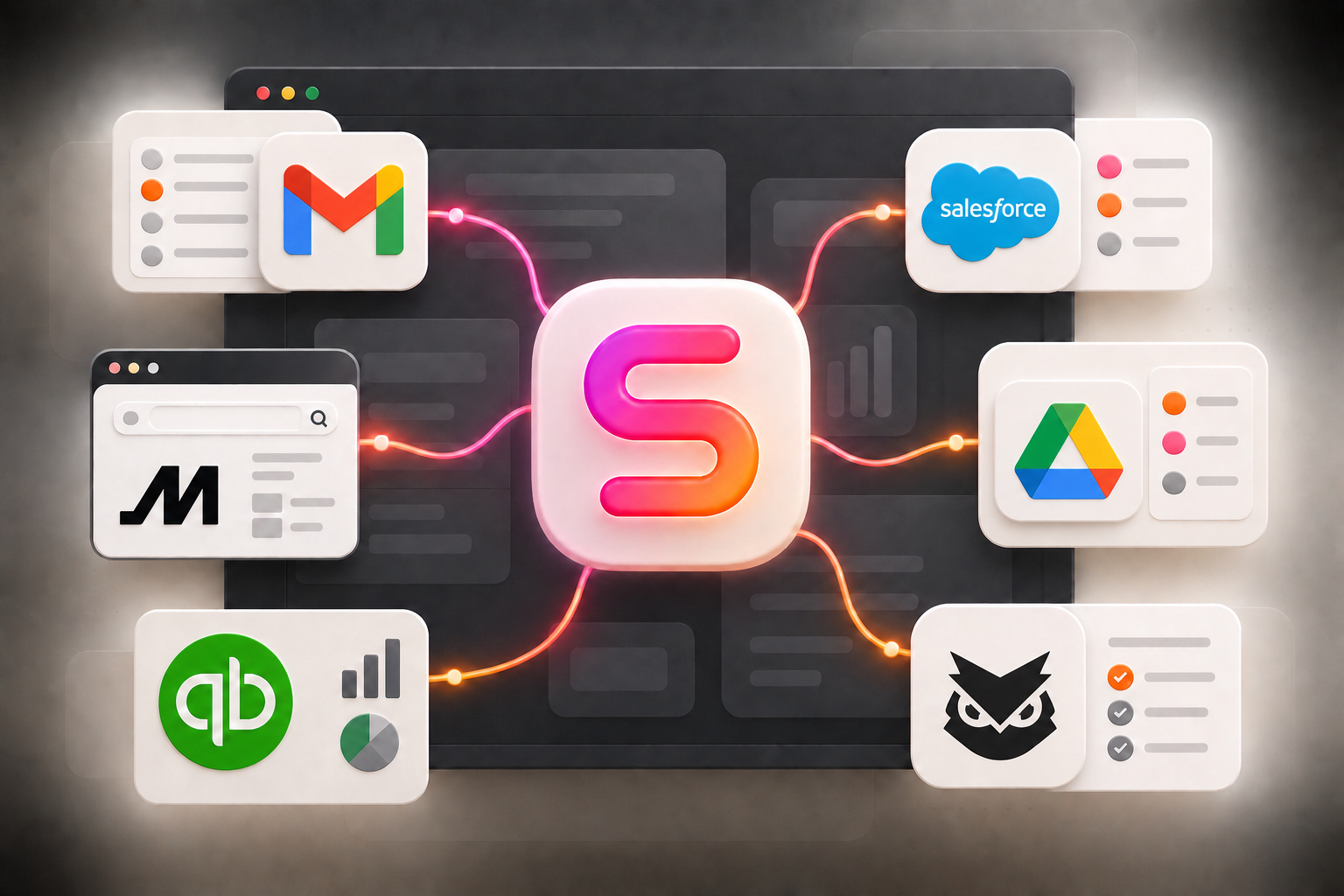
The useful distinction is how the system handles decisions. A chatbot answers a prompt. Traditional automation follows a path defined in advance. An agent can decide which step or tool comes next while it works toward the outcome. OpenAI's practical guide describes the same foundation as a model, tools, and instructions working together across a workflow.
| System | Best at | How it chooses | Typical output |
|---|---|---|---|
| Chatbot | Questions and drafts | Responds to the current prompt | An answer or document |
| Workflow automation | Stable, repeatable rules | Follows a predefined sequence | A predictable system update |
| AI agent | Multi-step work with judgment | Selects actions within instructions and limits | A completed, checked workflow |
Which business workflows fit an AI agent?
Start where the work is frequent, bounded, easy to review, and spread across several sources. Good candidates often include inbox triage, lead research, recurring reports, document intake, CRM cleanup, support routing, and follow-up preparation. A brittle process with no owner or no definition of “done” will remain brittle after an agent is added.
Give the agent a bounded job
Start with one recurring workflow, a clear trigger, a defined finish line, and an owner who can judge the result.
Connect only the tools it needs
Grant the smallest practical set of app permissions, then add access only when the workflow proves it needs more.
Put approvals at consequential steps
Routine reading and drafting can run automatically; external messages, purchases, deletions, and sensitive changes should stop for review.
Measure outcomes, not activity
Track completed work, exceptions, corrections, time saved, and the business result instead of counting messages or tool calls.
When work needs a screen
Why give an AI agent its own computer?
APIs are usually the cleanest way to connect software, but many real workflows still depend on websites, desktop interfaces, uploads, and visual checks. A dedicated computer gives the agent a consistent place to do that work while keeping it separate from an employee's personal device. The team should still be able to observe the work, take over, and review what changed.
A practical control checklist
- Scope: one named workflow, owner, trigger, and finish line.
- Access: only the apps, accounts, and records required for that workflow.
- Approvals: checkpoints before consequential external actions.
- Evidence: a record of sources, actions, exceptions, and the final result.
- Fallback: a clear handoff when confidence is low or the situation is new.
Further reading
Best AI agents for businesses: compare five options
Compare Susan, Viktor, Lindy, Relevance AI and Zapier Agents by the job, software and ongoing management.
Primary sourceOpenAI: A practical guide to building agents
Agent foundations, use-case selection, orchestration, guardrails, and human intervention.
Start with one workflow worth owning.
Tell us what repeats, where it happens, and how your team decides the work is complete. We'll help determine whether Susan is a fit.
Talk to us about the workflow