AI employee comparison
Susan vs Viktor: Which managed AI employee fits your team?
Viktor makes it easy to start a self-directed AI employee from Slack or Microsoft Teams. Susan combines the software with an embedded engineer who helps deploy, supervise, support, and improve the agent inside your team’s chat.
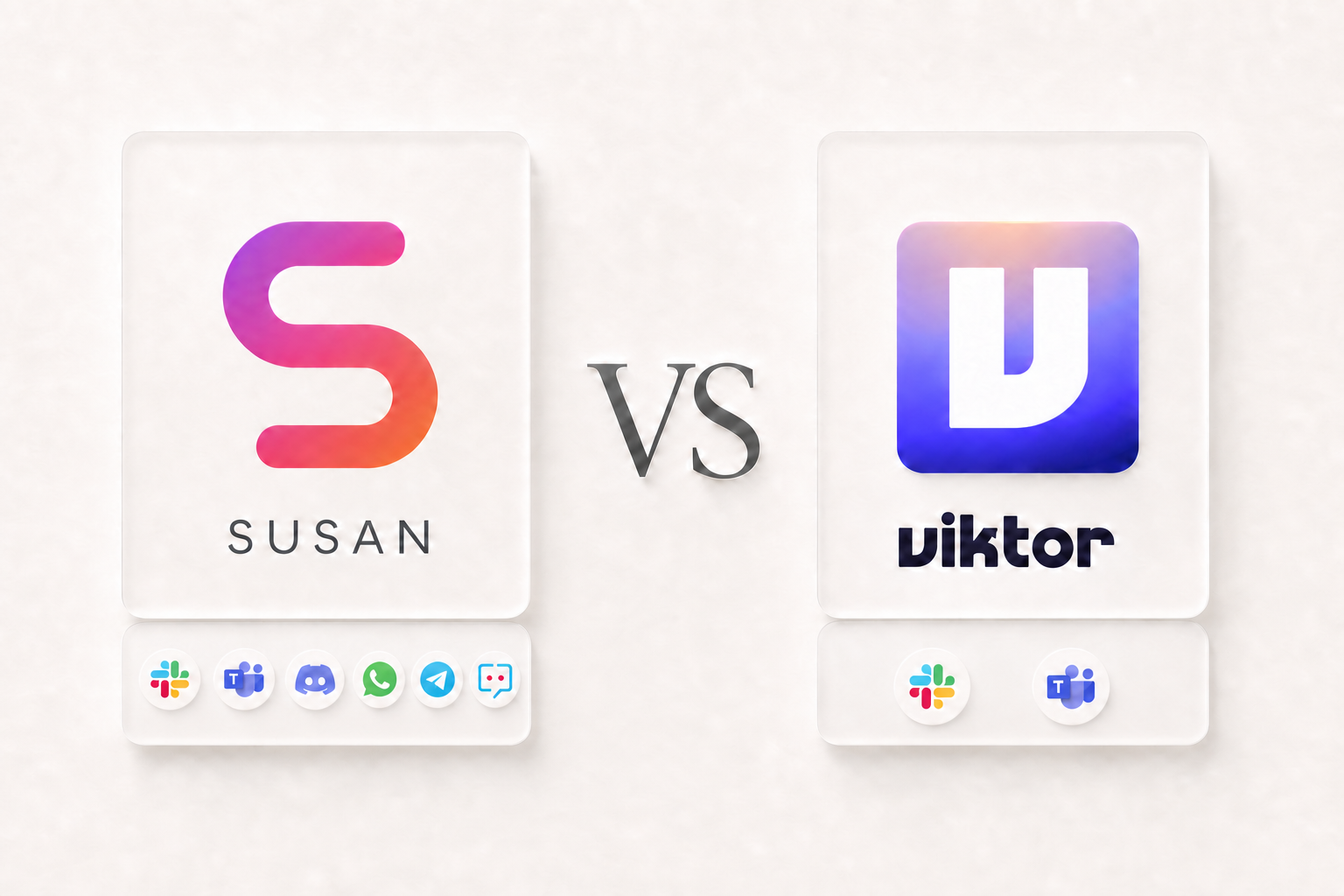
The short answer: Viktor behaves more like conventional SaaS: sign up, connect tools, and begin directing the product within minutes. Susan feels more like a managed service delivered through software: an engineer from Susan’s team joins the chat where your agent works and helps own discovery, configuration, onboarding, supervision, troubleshooting, maintenance, and continuous improvement.
Neither approach is universally better. The right choice depends less on who has the longest feature list and more on a practical question: after you buy the AI employee, who will own making it successful?
Quick comparison: Susan vs Viktor
| Dimension | Susan | Viktor |
|---|---|---|
| Best fit | Teams that want an embedded partner to own deployment and ongoing operations | Teams that want to start quickly and direct an AI employee themselves |
| Onboarding | White-glove discovery, scoping, configuration, and team onboarding | Product-led setup in Slack or Microsoft Teams; enterprise plans add dedicated onboarding |
| Operating model | Managed service: software plus an embedded Susan engineer | Self-starting SaaS: fully hosted software your team configures and directs |
| Ongoing support | In-channel supervision, troubleshooting, maintenance, and improvement included with the managed agent | Standard adoption is self-directed; Enterprise advertises priority support, an SLA, and dedicated onboarding |
| Chat channels | Slack, Microsoft Teams, Discord, WhatsApp, Telegram, and Zoho Cliq | Slack and Microsoft Teams |
| Integrations | 3,000+ managed connectors, plus team-built API integrations and browser workflows | 3,200+ connectors, custom integrations from API documentation, and browser fallback |
| Credential model | Tenant-scoped encrypted secrets and protected proxy paths for supported integrations | Encrypted vaults and a backend tool gateway that Viktor says keeps credentials from the model |
| Proof of work | Designed around defined deliverables, review points, and verifiable outputs | Reports, dashboards, code, campaigns, browser tasks, and scheduled work |
| Pricing motion | Consultative scope based on the work and service required | Free $100 in credits; paid plans advertised from $50 per month |
The main difference: self-starting SaaS or an embedded operating partner?
Viktor’s standard buying motion is intentionally self-service. Anyone can create an account, receive trial credits, install Viktor in Slack or Microsoft Teams, authorize tools through OAuth, and start assigning work quickly. The service is fully hosted—customers do not maintain Viktor’s servers—but the customer normally owns the first layer of adoption: deciding what to automate, connecting tools, designing useful instructions, testing results, training teammates, and deciding when a workflow is reliable enough to use.
When a workflow needs adjustment or a product issue appears, a standard Viktor customer troubleshoots what it can and escalates the rest through vendor support. Viktor’s Enterprise plan advertises dedicated onboarding, priority support, an SLA, and tailored controls, so larger customers can buy a higher-touch relationship. That is meaningfully different from saying Viktor is unmanaged; it is a managed, hosted product with a product-led default experience.
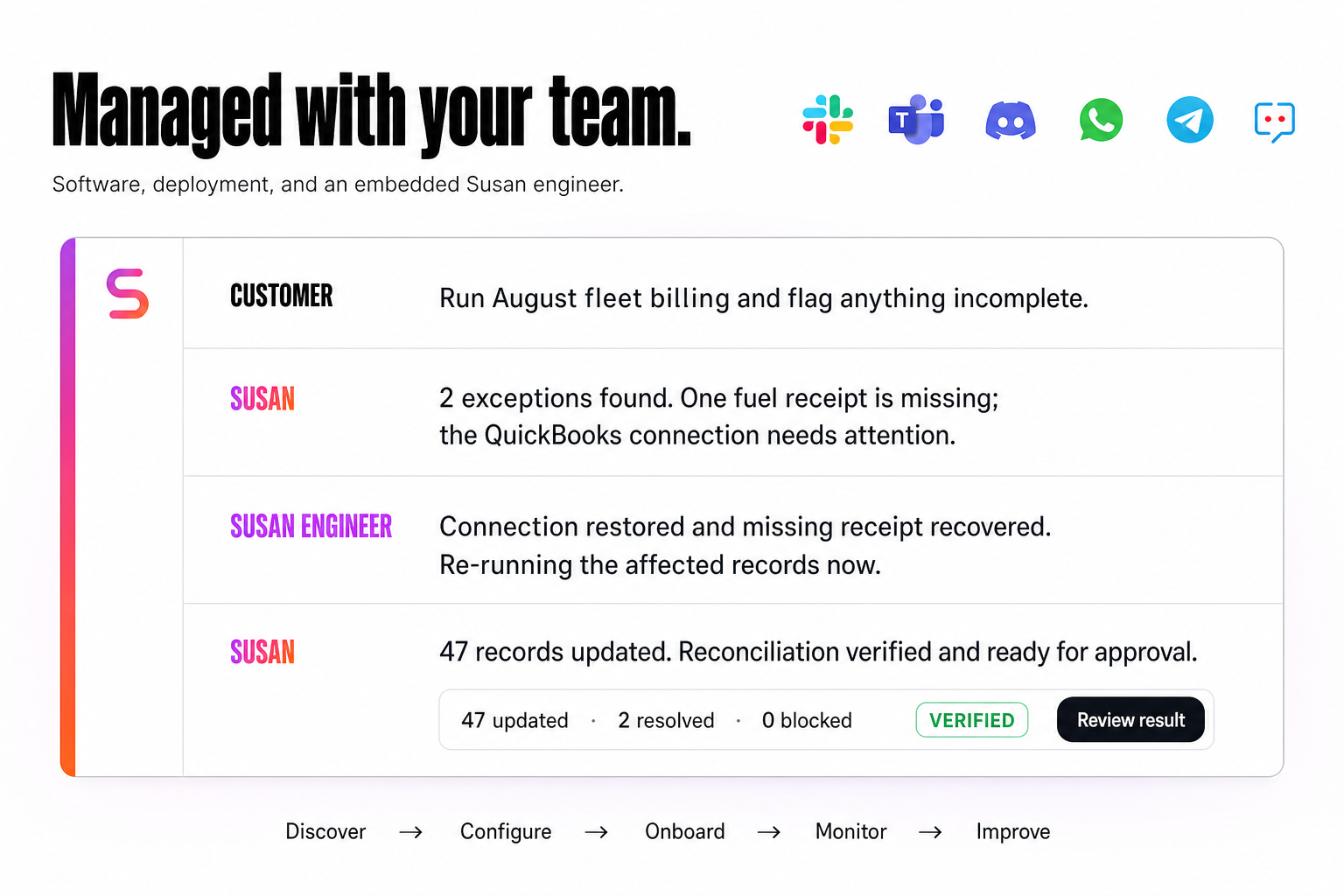
Susan makes human operational support part of the agent engagement itself. A Susan engineer embeds in the same customer-facing channel where the agent is deployed—whether that is Slack, Microsoft Teams, Discord, WhatsApp, Telegram, or Zoho Cliq. That person observes how the agent performs, helps configure integrations and approval rules, responds when errors or exceptions appear, and improves the workflow with the customer. The support is included as part of the managed agent relationship rather than treated as a separate implementation project.
Put simply: with Viktor, your team primarily operates the software. With Susan, the Susan team helps operate the AI employee with you.
What Viktor does well
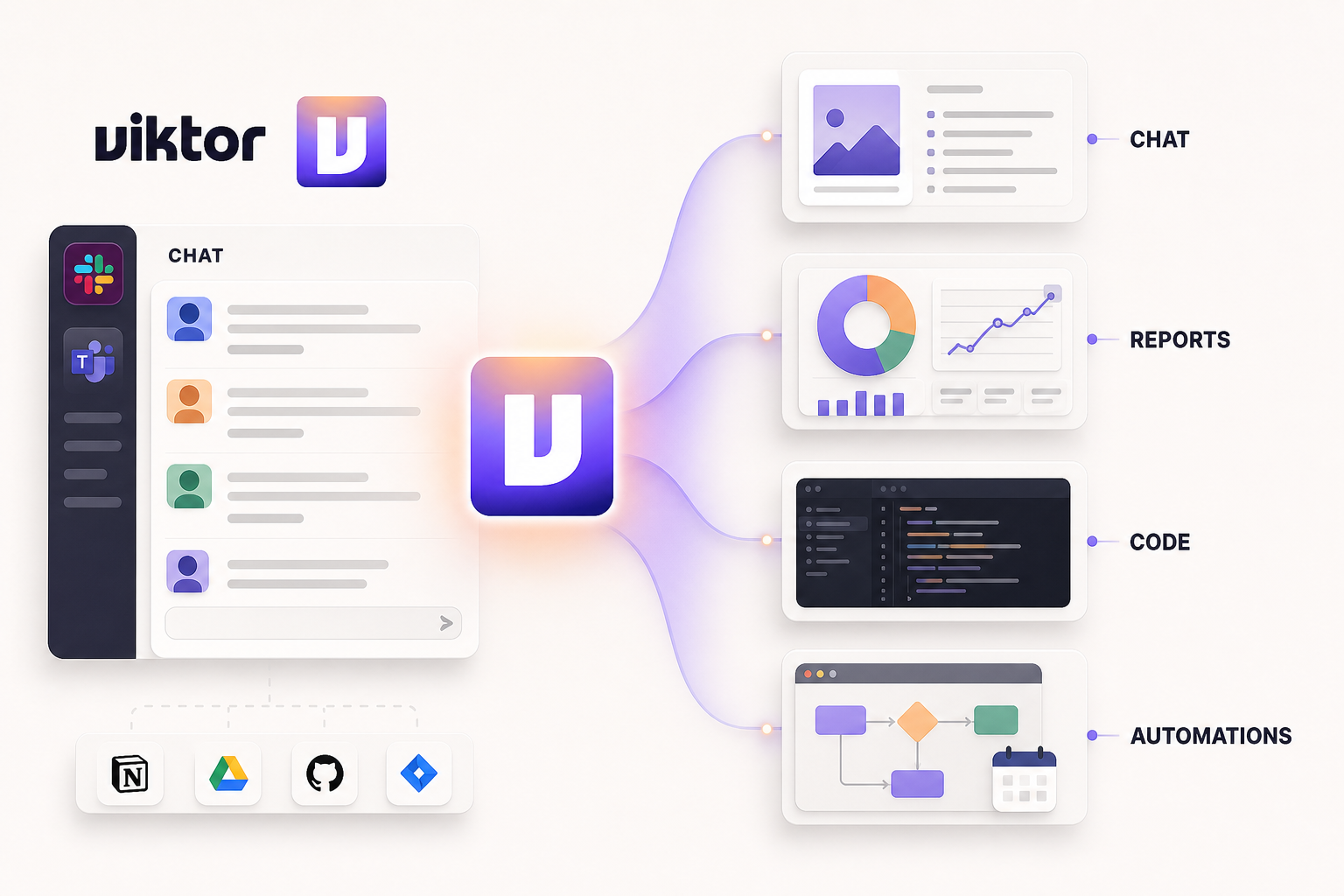
Viktor presents itself as an AI employee that joins a team in Slack or Microsoft Teams. Its strongest proposition is speed to first use: add Viktor, connect tools through OAuth, send a message, and start testing real assignments without building infrastructure or writing code.
That product-led motion is attractive when a team already knows what it wants to automate and has an internal operator willing to explore prompts, permissions, integrations, and task design. Viktor says it can work across more than 3,200 tools and complete reports, dashboards, campaigns, code, browser tasks, and scheduled work. It also offers $100 in free credits, no credit card requirement, and paid plans advertised from $50 per month.
Viktor also publishes a substantive security model: OAuth-first connections, encrypted credential vaults, a backend gateway that it says prevents the AI model from seeing API keys, isolated workspaces, and approvals for sensitive actions. Its public materials list SOC 2 Type I and CASA Tier 3 certifications, with SOC 2 Type II and ISO 27001 in progress. Security therefore should not be reduced to “Susan is safe and Viktor is not.” The more useful comparison is how each vendor helps customers configure, supervise, and recover the operation safely after purchase.
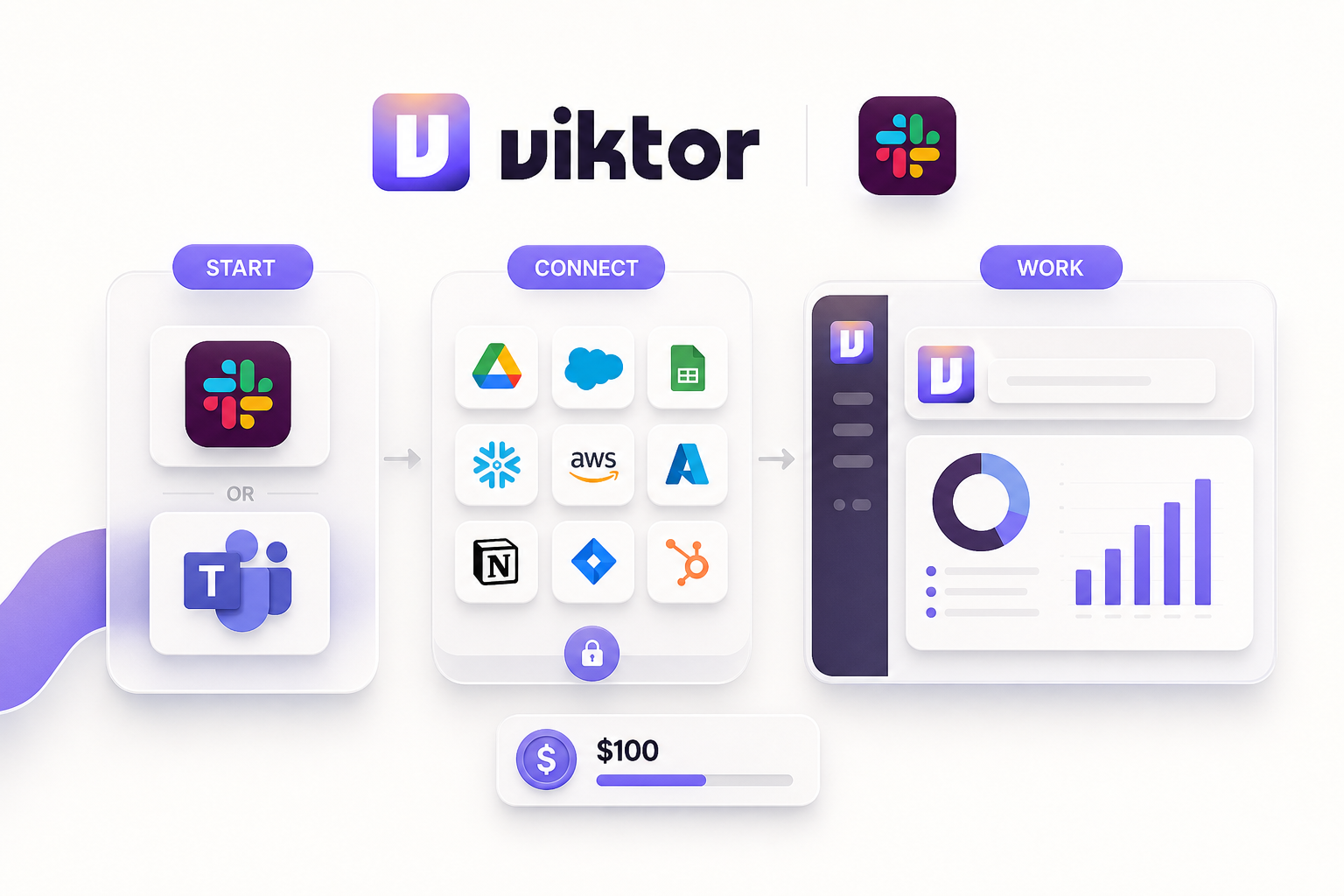
“Product-led” does not mean Viktor leaves customers to manage servers. Viktor describes the platform as fully hosted and managed, and its enterprise plan includes dedicated onboarding, tailored controls, an SLA, and security review. The distinction is that its standard experience is designed to let customers begin and steer adoption directly.
Viktor is likely the stronger fit when:
- Your team wants to evaluate an AI employee immediately with a small credit-based trial.
- You have a technically confident internal champion who enjoys testing workflows.
- You want broad integration coverage and the flexibility to experiment across many task types.
- You prefer a software subscription with transparent entry pricing.
- Your primary interface should be Slack or Microsoft Teams.
What makes Susan different
Susan starts from a different assumption: many companies do not need another platform to learn. They need a business process to work reliably, and they want experienced people to help turn that process into an operating AI employee.
The engagement begins by identifying the work, systems, permissions, deliverables, exceptions, and approval points. Susan’s team then provisions and configures the agent around that scope, helps onboard the people who will work with it, and assigns an engineer to remain present in the customer’s working channel. That engineer supervises behavior, helps resolve errors and exceptions, maintains integrations, and improves the deployment with the team. The result is closer to a managed operating service than a do-it-yourself software rollout.
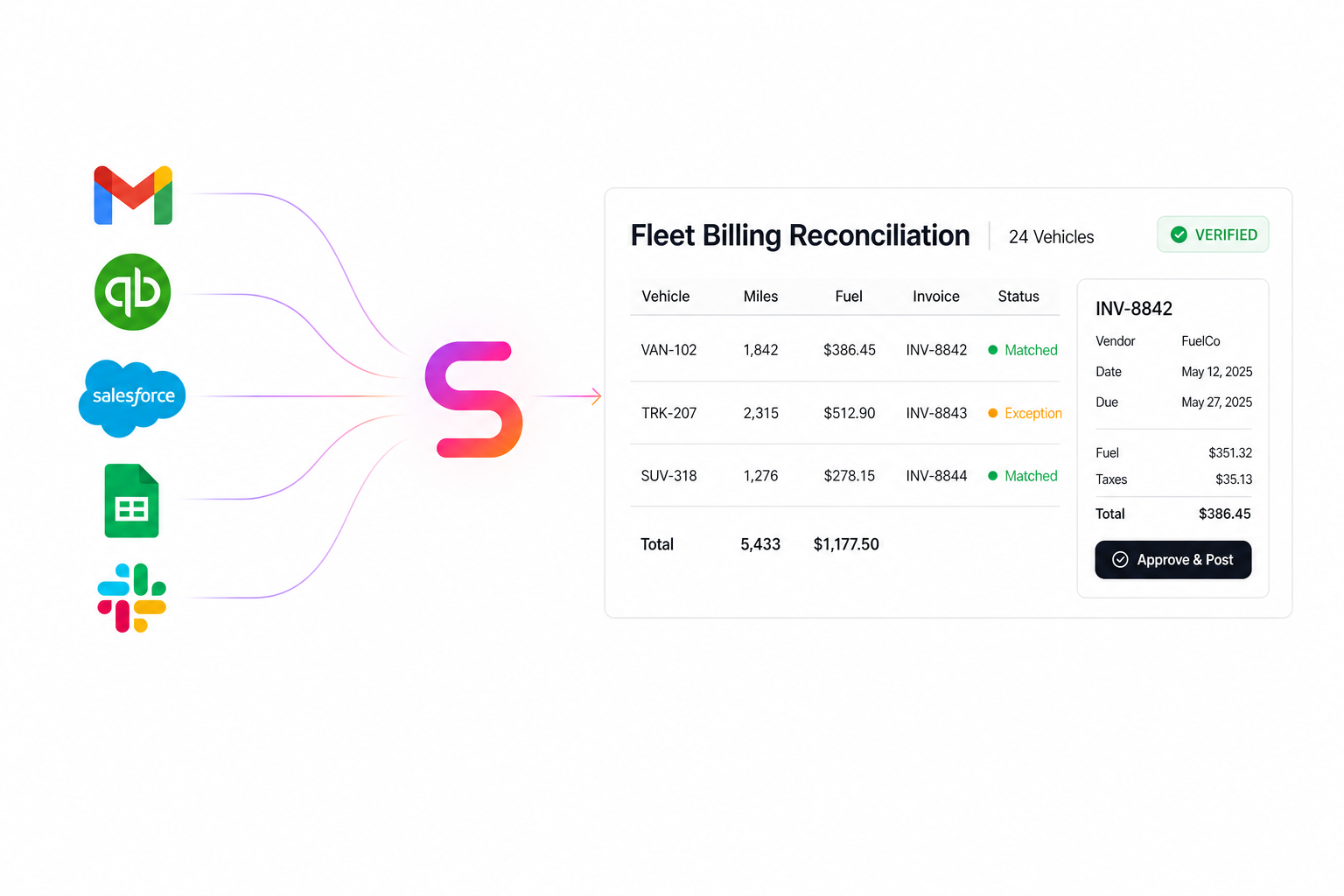
That white-glove model is especially useful for non-technical teams and for work where “the task ran” is not enough. A reconciled report, a correctly updated customer record, an approved invoice packet, or a completed follow-up queue can be checked. Designing around those verifiable outputs makes it easier to define success, review exceptions, and earn trust over time.
More places for the agent to meet your team
Viktor’s conversational interface is currently centered on Slack and Microsoft Teams. Susan can be deployed in Slack and Teams as well as Discord, WhatsApp, Telegram, and Zoho Cliq. That broader channel coverage matters when the people doing the work are field teams, owner-operators, distributed service staff, or international teams that do not live in a conventional enterprise chat stack.
Integrations configured for you, including custom APIs
Both products advertise broad integration coverage and the ability to go beyond the catalog. Susan combines more than 3,000 managed connectors with an implementation team that configures those connections for the agreed workflow. If an internal or industry-specific system is not available as a managed connector, Susan can build a tenant-specific integration when the software exposes an API, or use an approved browser workflow when an API is unavailable. The distinction is ownership: the customer does not have to become the integration engineer just because its software is unusual.
A security-first managed boundary
Each Susan runs in an isolated tenant environment. Supported service credentials are encrypted in tenant-scoped storage and applied through protected broker and proxy paths so the agent’s working scripts do not need to receive or print the underlying keys. Connections are scoped to the tools required for the workflow, sensitive actions can be designed around approvals, and the managed team can review failures and access paths as the deployment evolves.
No responsible vendor should call an autonomous system “the safest” without defining the exact controls and scope. Susan’s stronger, verifiable claim is that security is continuously operated: isolation, credential handling, approvals, monitoring, maintenance, and support are treated as part of the managed service—not as settings the customer is expected to understand once and then maintain alone.
Susan is likely the stronger fit when:
- You want help deciding which workflow should be automated first.
- Your team is non-technical or does not have time to become the internal AI operations team.
- You want an engineer available inside the chat where your agent and team already work.
- Your team works in Discord, WhatsApp, Telegram, or Zoho Cliq—not only Slack or Teams.
- The agent must cross several systems and return specific, reviewable deliverables.
- You want integration setup, troubleshooting, maintenance, monitoring, and continuous improvement included in the relationship.
- You value accountability for adoption and outcomes more than the lowest entry price.
The real decision: software adoption or operating partnership?
A useful way to compare Susan and Viktor is to separate platform capability from operational ownership. Both can bring AI into communication and business tools, both advertise thousands of connectors and custom-integration paths, and both describe architectures that isolate credentials from the AI model. Viktor gives an internal champion a fast SaaS experience and a broad canvas for experimentation. Susan gives the company an embedded partner who helps translate a workflow into a maintained AI operation.
If you already have someone who can own evaluation, integration choices, prompt design, exception handling, internal training, and continuous improvement, Viktor’s product-led model can be compelling. If those responsibilities would otherwise land on an already busy operator, Susan’s higher-touch service may reduce the hidden cost of adoption.
Pricing: compare total operating cost, not only subscription price
Viktor publishes an accessible SaaS starting point: $100 in trial credits and paid plans from $50 per month, with usage based on workspace credits rather than seats. Susan scopes the engagement around the workflow and level of management required; the deployment work and ongoing in-channel engineering support are included in the managed agent relationship, so pricing is consultative.
A fair financial comparison should include internal time. Ask who will map the process, configure tools and permissions, test edge cases, train users, monitor failures, and improve the workflow after launch. A lower software fee can still carry a higher operating cost if adoption depends on scarce internal staff. A managed service can cost more upfront while reducing that internal burden. Your own team structure determines which economics are better.
A practical 30-day evaluation
- Choose one bounded workflow. Avoid “help with everything.” Select one repeated process with a clear start and finish.
- Define the output. Name the report, record update, customer response, or completed packet that proves the work is done.
- List systems and permissions. Include the communication channel, source systems, destination systems, and approval limits.
- Set exception rules. Decide what the agent may complete independently and what must be escalated.
- Measure the operation. Track completion quality, exception rate, cycle time, human review time, and adoption.
Then evaluate the vendors on the same workflow. The best choice is the one that produces dependable work with an operating model your team can sustain—not the one with the most impressive generic demo.
Frequently asked questions
Is Susan a Viktor alternative?
Yes, when your goal is to put an AI employee to work across business systems. The buying experience is different: Viktor emphasizes a fast product-led start, while Susan emphasizes a managed deployment and ongoing operational partnership.
Is Viktor self-hosted?
No. Viktor describes its product as fully hosted and managed. In this comparison, product-led refers to how customers can start, connect tools, and direct work themselves—not to infrastructure management.
Which option is better for a non-technical team?
Both avoid traditional software development. Viktor can suit a team comfortable owning configuration, workflow design, and adoption. Susan can suit a team that wants an embedded engineer to configure the agent, onboard users, supervise performance, troubleshoot problems, and maintain the operation.
Can either AI employee work inside our existing tools?
Yes. Viktor highlights Slack, Microsoft Teams, 3,200+ connectors, custom integrations, and browser work. Susan supports Slack, Microsoft Teams, Discord, WhatsApp, Telegram, and Zoho Cliq, and its team configures managed connectors, API-based custom integrations, or browser workflows around the agreed process.
Does either AI model see our API keys?
Both companies describe architectures intended to keep supported integration credentials outside model context. Viktor says a backend gateway injects credentials at execution time. Susan uses encrypted tenant-scoped secret storage and protected integration proxies so supported service credentials can be applied outside the agent's working context. Buyers should still validate exact coverage, scopes, approvals, and audit controls for every integration they deploy.
How should we evaluate an AI employee pilot?
Choose one bounded workflow, define the source systems and permissions, agree on a measurable output, set approval rules, and track completion quality, exception rate, cycle time, and human effort saved for 30 days.
Put an AI employee to work
Want the deployment handled with you, not handed to you?
Tell us which workflow is slowing your team down. We’ll help scope the work, define what success looks like, and determine whether Susan is the right fit.
Book a discovery call